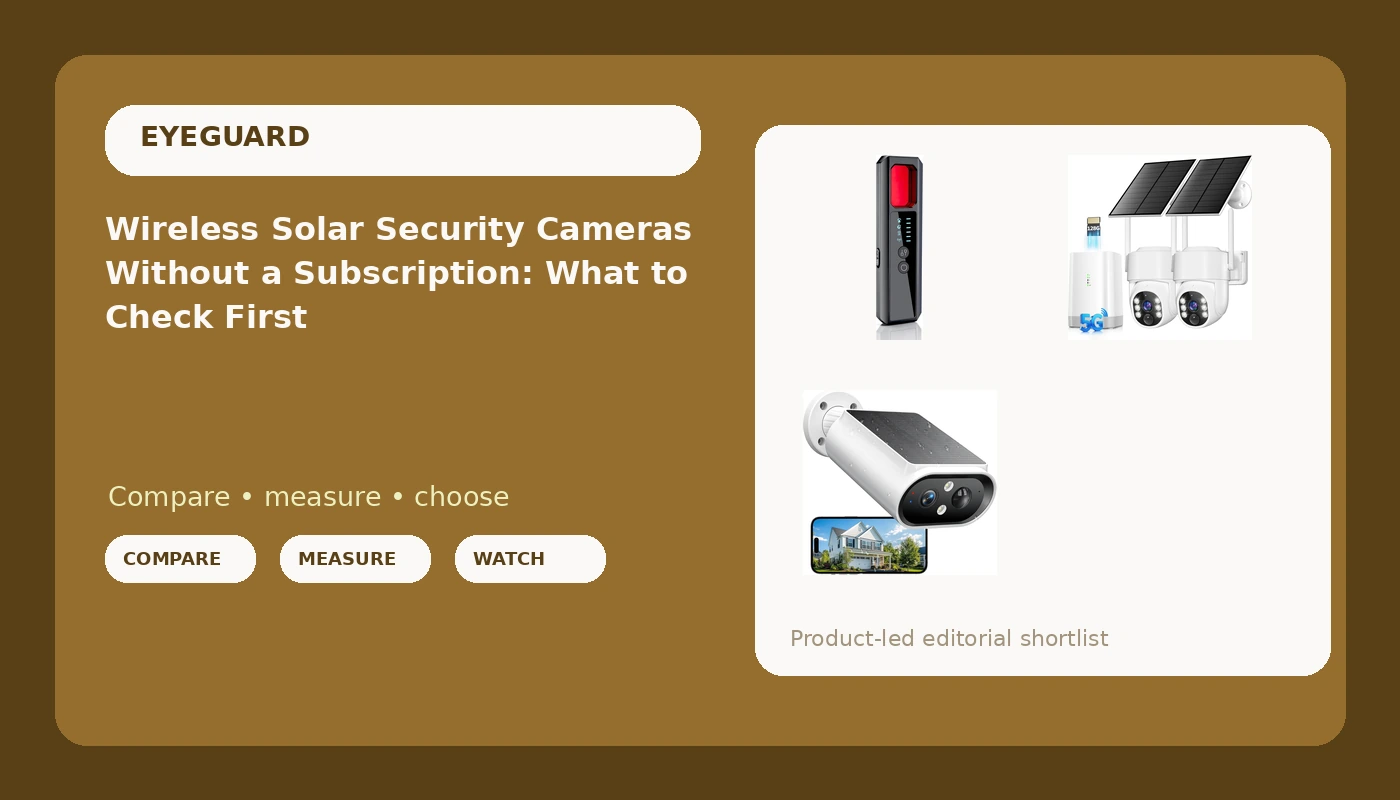
Wireless solar security cameras solve two problems at once: no cable run to the house, and no monthly plan if the footage stays on the device. That combination is why so many people shopping for a home camera start with solar models. The catch is that "wireless" and "no subscription" are marketing phrases before they are specifications. A camera can be wireless and still need a charge through a Pacific Northwest winter. A camera can skip the subscription and still push clips to a server you do not control. And a camera can advertise color night vision and still fail to produce a face you could hand to a detective.
This explainer covers three tools that do genuinely different jobs: a two-camera solar kit with local storage, a handheld detector for finding cameras and trackers you did not install, and a single solar camera with a spotlight and a siren. The goal is to match the hardware to the job, not to the spec sheet.
Related: Local Storage vs Cloud Storage for Home Security Cameras →
Quick answer
For most homes that need two angles covered, the two-camera solar kit is the practical starting point in this group: two cameras, solar power, 4MP video, 360-degree pan and tilt, and 128GB of local storage in a single purchase. If you need one camera over one approach, the AlkiVision 2K solar camera adds a spotlight, a siren, and two-way audio, with a choice of SD card or cloud storage. If your concern is cameras someone else installed, the 7-in-1 hidden camera detector is a different category of tool and the one to reach for.
Three useful options
| Model | Best fit | What stands out |
|---|---|---|
| Security Cameras Wireless Outdoor 5G and 2.4G, No Subscription, 2 Cam-Kit, 4MP Solar Powered Home Security Cameras System With 360° PTZ, 128GB Local Storage, Color Night Vision WiFi Cameras for Home Security | Covering two angles with one purchase | Two cameras, 4MP video, 360° PTZ, color night vision, solar power, dual-band WiFi, 128GB local storage |
| Hidden Camera Detectors, 7-in-1 Anti Spy Camera Finder, Bug Detector for RF Signal, WiFi Scanner, GPS Tracker, Listening Device, Portable Privacy Protection for Hotel Office Car Travel | Checking a room for devices you did not install | Seven detection functions covering RF signals, WiFi, GPS trackers, and listening devices, in a portable unit |
| AlkiVision Solar Security Cameras Wireless Outdoor, 2K Night Color Vision Cameras for Home Security, AI Motion Detection, 360° View, Spotlight, 2-Way Audio, Siren, IP67 Waterproof, SD/Cloud Storage | One camera over one approach | 2K color night vision, AI motion detection, 360° view, spotlight, siren, two-way audio, IP67 rating, SD or cloud storage |
The two-camera starter: Security Cameras Wireless Outdoor 5G and 2.4G, No Subscription, 2 Cam-Kit, 4MP Solar Powered Home Security Cameras System With 360° PTZ, 128GB Local Storage, Color Night Vision WiFi Cameras for Home Security
Two cameras for one decision is the quiet advantage here. Most break-ins are not caught by a single lens pointed at the front door, because the person who pried open a side gate never walked past the front door. Buying a kit means you plan two sightlines before you mount anything, and the second camera does not become a purchase you put off until next spring.
The other advantage is where the footage lives. The listing describes 128GB of local storage on the kit, which is the difference between owning your recordings and renting them. Local storage also means the retention question is yours to manage: continuous recording fills any card faster than event-only recording, so the practical setting for most homes is motion-triggered clips plus a card large enough to hold a couple of weeks. Solar power handles the charging, but it does not handle the mounting height, and height is what decides whether a face is identifiable. Aim each camera down at roughly 7 to 9 feet and check the live view at the distance where a person would actually stand.
The privacy sweep tool: Hidden Camera Detectors, 7-in-1 Anti Spy Camera Finder, Bug Detector for RF Signal, WiFi Scanner, GPS Tracker, Listening Device, Portable Privacy Protection for Hotel Office Car Travel
This belongs in a different category from the two cameras, and it is worth being honest about why. A detector like this looks for the signals a hidden device gives off: radio frequency emissions, WiFi traffic, GPS tracking, and audio transmission. That means it is genuinely useful against a camera or microphone that is powered on and transmitting. It is much less useful against a device that records to a local card and never phones home, which is why a detector complements a visual sweep rather than replacing it. Check the smoke detector, the air purifier, the alarm clock, and anything facing a bed or desk.
For a traveler, the practical routine is simple: sweep the room once when you arrive, before you unpack, and again after housekeeping has been through. For a home office or a rental property you manage, the same logic applies to any room where a guest or a contractor has had unsupervised time. Pairing this with the camera kit above covers both directions of the problem: you watching your own property, and someone else watching you.
The single-camera option: AlkiVision Solar Security Cameras Wireless Outdoor, 2K Night Color Vision Cameras for Home Security, AI Motion Detection, 360° View, Spotlight, 2-Way Audio, Siren, IP67 Waterproof, SD/Cloud Storage
One camera is the right answer when there is genuinely one approach to watch: a single driveway, a single gate, a single side path. The features worth understanding here are the ones that change what happens after an alert. AI motion detection is the filter that decides whether you get a notification at all, and the spotlight and siren are the part that acts in the moment instead of just recording it. Two-way audio lets you tell a delivery driver where to leave a package, or tell someone else to leave.
The storage line deserves a second look. SD or cloud storage means both paths exist, and cloud storage in almost every case means a recurring plan. That is not a flaw, it is a trade: a card in the camera is cheap and private but walks away with the camera if someone takes it, while cloud storage survives theft and costs money every month. IP67 means the housing is rated for rain and hose spray, which is the minimum you want on a Seattle fence post. Mount it where the sun actually reaches the panel, and check the winter shade pattern before you commit to a spot.
Prices and availability may change. Product images, names, and retailer links must be matched by verified ASIN. Do not state a current price, rating, stock status, or measured result without current evidence.
What "no subscription" actually covers
A subscription is the real price of a camera, and the hardware is the down payment. So when a listing says no subscription, the question is what replaces it. In most cases the answer is local storage: a memory card or onboard storage that holds the recordings instead of a vendor's servers. The kit above describes 128GB of local storage. The AlkiVision camera offers SD or cloud storage, which means you choose whether a recurring fee enters the picture.
Three things determine whether local storage actually works for you. The first is retention. Capacity divided by recording mode is how many days you keep, and continuous recording consumes that capacity far faster than motion-triggered recording. Most households are better served by event clips plus a buffer of a few seconds before each event. The second is access. Some cameras let you replay card footage freely, and some gate playback, downloads, or sharing behind a plan even though the file is sitting in your own yard. Check that before you buy, because it is the single most common way a "free" camera stops being free. The third is survivability. A camera that stores only on itself loses its evidence when it is taken, which is the honest argument for adding cloud backup on the camera that covers your most exposed approach.
None of this makes cloud storage wrong. It makes it a cost you should count before you buy rather than after.
Night vision claims versus night ID range
Every camera in this group claims night vision, and every one of those claims is technically true and practically incomplete. Detecting motion at 50 feet is easy. Identifying a face at 50 feet is not, and the difference between the two is the whole point of owning a camera.
Infrared illumination is what most cameras use after dark. It works, but it washes out anything close to the lens while struggling to reach anything far from it, which is how you end up with 22 minutes of a blurry raccoon and a dark shape that never becomes a face. Color night vision, which the AlkiVision camera describes alongside its spotlight, keeps color in the frame by adding light, and color is genuinely more useful for identifying clothing and vehicle paint. It also depends on how much ambient light you have. A streetlight helps. A dark alley does not.
What you can control is geometry. Mounting height, downward angle, and distance to the spot where a person would actually stand matter more than any resolution number. Before you trust a night vision claim, walk the property after dark and stand where an intruder would stand. If the camera cannot resolve your face from that spot, the number on the box is decoration.
- Map the approaches a person would actually use, not the ones that are convenient to mount a camera on.
- Decide where footage lives first, on a card, on a recorder, or in the cloud, because that choice sets the real three-year cost.
- Match the night spec to the distance you need, and treat color night vision as a feature that needs some ambient light.
- Plan power and mounting before ordering, including winter shade for solar panels and a height around 7 to 9 feet.
- Set detection zones narrowly, then watch a full week of alerts before you trust the notifications.
Practical setup guidance
- Point cameras along the approach path rather than at the door itself, so you capture faces coming toward the lens instead of the backs of heads leaving.
- Set motion zones to exclude the street, the sidewalk, and moving tree branches, which is where most false alerts come from.
- Use the spotlight and siren features sparingly at first, since a siren that fires at every passing car gets disabled within a week.
- Check the solar panel's sun exposure in December, not July, and angle it toward the winter sun if the mount allows.
- If you keep footage locally, verify that you can export a clip without a plan, and test the export before you need it.
Which option should you choose?
Choose the Security Cameras Wireless Outdoor 5G and 2.4G, No Subscription, 2 Cam-Kit, 4MP Solar Powered Home Security Cameras System With 360° PTZ, 128GB Local Storage, Color Night Vision WiFi Cameras for Home Security when you have two approaches to cover and you want the footage stored locally from day one. Choose the Hidden Camera Detectors, 7-in-1 Anti Spy Camera Finder, Bug Detector for RF Signal, WiFi Scanner, GPS Tracker, Listening Device, Portable Privacy Protection for Hotel Office Car Travel when the risk you are worried about is a camera or tracker that someone else placed, whether in a hotel room, a rental, an office, or a vehicle. Choose the AlkiVision Solar Security Cameras Wireless Outdoor, 2K Night Color Vision Cameras for Home Security, AI Motion Detection, 360° View, Spotlight, 2-Way Audio, Siren, IP67 Waterproof, SD/Cloud Storage when one camera covers your one real approach and you want the spotlight, siren, and two-way audio to act in the moment.
The caveat is the same for all three: the specifications here come from the product listings, not from a measured night test, and nothing in this article is a claim about how any of these units performs at 10, 20, or 30 feet. Treat the feature list as the starting point for your own walk-around after dark.
The bottom line
Wireless solar security cameras are worth considering when the cable run is the reason the camera never gets installed. The kit covers two angles with local storage described in the listing, the AlkiVision camera covers one approach with a spotlight, siren, and two-way audio, and the hidden camera detector handles the opposite problem of devices you did not put there. Pick based on where your footage will live and how far away you need a recognizable face, not on how large the resolution number is. Then mount it, check the night view from the spot that matters, and leave it running long enough to know whether the alerts are telling you the truth.