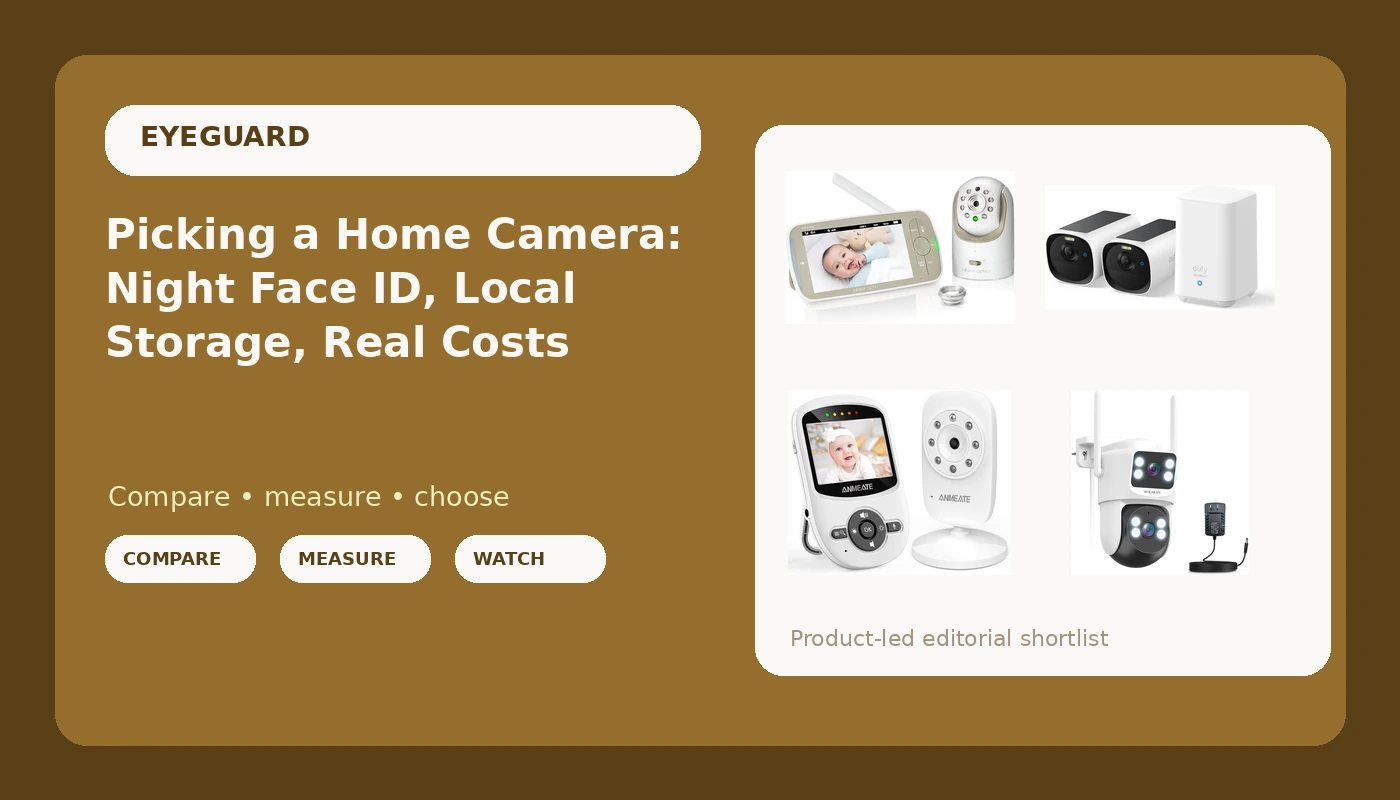
Related: How Far a Face Holds Up After Dark: Night Vision Basics
At 3:07 AM on a Tuesday in February, someone pried open the side door of my Seattle garage and walked out with two bikes, a toolbox, and my late father's camping gear. The camera I had bought the week before from a deals email recorded 22 minutes of a blurry raccoon and a dark shape that never once became a face. The detective was polite about it: no face, no case. My insurance company watched the raccoon footage and denied most of the claim.
I have been mounting cameras on my own garage and back fence ever since, logging the results in a notebook I call The Garage Log, and running the neighborhood watch group where everyone now asks me what to buy. This guide is the short version of that answer. If you are shopping for a wireless home security camera, the spec sheet will not tell you the two things that decide whether you end up with evidence or decoration: how far the camera can identify a face after dark, and where the footage actually lives.
Below are four cameras worth considering, two for outside the house and two for a nursery, plus the questions I ask before any of them earns a recommendation.
Best Overall: eufy Security eufyCam E40 2-Cam Kit
Two cameras in one kit is the part people skip past, and it is the part that matters most. A single camera covers one angle. A pair covers both the approach and the door, and almost every break-in I have looked at happened at the approach, not at the door handle.
The eufy E40 kit gives you 2K resolution with MaxColor night vision on both cameras, and built-in 16GB of storage. That storage number is why it sits at the top of this guide. Your footage lives in your house, on hardware you own, which means no monthly fee to review a clip and no vendor deciding how long a clip survives. Eufy is my pick for anyone who refuses to pay a subscription, and this kit is the cleanest version of that argument I have come across. For more on that trade, see local storage versus cloud recording.
Check the model carefully. Eufy's lineup changes fast, and some of their older cameras shipped with cloud access you could not fully lock down. Confirm what the camera does by default before you mount it, and turn off anything you did not ask for.
MaxColor night vision is the selling point on paper. What I would verify on your own driveway is whether a face is identifiable at the distance you actually care about, which for most houses is the 20 feet between the street and the front step. Mount it lower than feels natural, angle it slightly down, and clear the shrubs out of the frame.
Best Value Outdoor: WEILAILIFE 4MP Extend PTZ Security Camera
This is the cheapest way to get a camera that can move. The WEILAILIFE unit is a 4MP outdoor camera with pan, tilt, and zoom, plus two-way audio, and that moving head means one mount can cover a yard that would otherwise take two or three fixed cameras.
That flexibility has a cost. A PTZ camera points at one place at a time. If it is busy watching the side gate, it is not watching the driveway. For a wide, open yard with a single approach, that trade is a good one. If you have two doors on opposite sides of the house, two fixed cameras beat one moving camera every time.
Two-way audio is more useful than it sounds. It lets you talk to a delivery driver, and it lets you tell someone standing on your property that they are on camera and the police are on the way. I have used that second one more than I expected to.
Wireless means fewer cables, not no planning. Before you buy, check what the camera needs at the mount point and whether your chosen spot can supply it. The best camera in the world is useless sitting on a workbench because you could not reach the spot you wanted.
Best for a Nursery With No WiFi: Infant Optics DXR-8 PRO
Not every camera in a house is a security camera, and the DXR-8 PRO is the one I recommend when the room in question is a nursery. The most important spec here is the one that is missing: no WiFi. This monitor runs on its own dedicated link to a 5 inch HD parent unit, so there is no app, no account, and no cloud, which means there is nothing sitting on the internet waiting to be hacked.
Two features earn it a spot in this guide. The patented Active Noise Reduction cuts the constant hum of a fan or a white noise machine so you hear the actual cry, which sounds like a small thing until you have spent a night listening to a fan at full volume. And the interchangeable lens lets you swap between a wide view of the whole room and a tighter view of the crib, which is the difference between seeing the room and seeing the baby.
Pan, tilt, and zoom live on the parent unit, so you can check a corner without walking in and waking anyone up.
The tradeoff is honest. Because it is not on your network, you cannot check it from work and it will not push a notification to your phone. If you want a nursery camera that doubles as a security camera, this is the wrong tool. If you want the opposite of that, it is the right one.
Best Budget Nursery Monitor: ANMEATE Video Baby Monitor
The ANMEATE monitor is what I point people toward when the budget is tight, or when they want a second unit for a travel bag or a guest room at a grandparent's house. It is a straightforward video baby monitor with a digital camera and a dedicated parent unit, and it does the basic job: you see the room, you hear the room, and nothing touches the internet.
You give up polish. The feature list is shorter, and you will not find the same audio filtering or the interchangeable lens you get on the DXR-8 PRO. What you get instead is a low price and a setup that takes minutes, which is exactly what some households need.
One piece of advice that applies to every monitor on this list: test it in your own house before the baby arrives. Walls, distance, and the number of other wireless devices in your home all affect the signal, and you want to learn that in the afternoon, not at 2 AM.
How I judge a camera before it earns a recommendation
Every camera has to answer four questions before I will put it in front of a reader.
Can it identify a face at 20 feet after dark, or does it only detect motion? Detection is not identification. A camera that pings your phone because a shape moved past the fence has done nothing for you if the clip cannot put a face on a person.
What does it really cost over three years? The hardware is the down payment. If the useful features sit behind a subscription, that monthly number is the real price, and I want the three year total next to the sticker before I decide anything.
Where does the footage live, and who else can see it? Local storage on a card, a base station, or a recorder in your house is the standard I hold. Cloud is a backup, not a plan.
Would I hand that clip to a detective and expect a call back? That is the test that matters, and it is the one I failed in February.
What the specs actually buy you
Night ID range is the distance at which a camera captures a face you could hand to the police. Everything inside that range is evidence. Everything past it is decoration, and marketing copy does not distinguish between the two.
IR washout is the reason your neighbor's camera shows a white blob where the porch light should be. Infrared illumination overexposes anything close while trying to reach something far away. Cheap cameras are the worst offenders, blowing out everything within 15 feet in an attempt to light up the end of the driveway. Look for a camera that can dial its infrared down instead of running it at full power.
Person detection is onboard software that filters motion alerts down to humans. It is genuinely useful and it is also the feature most likely to be oversold, because a lot of it only works in daylight. If a manufacturer will not say what happens at 2 AM, assume the answer is nothing good.
False positives are a security failure, not a quirk. A camera that alerts on every passing car, shadow, and spider web trains you to ignore it, and a camera everyone mutes is a camera that does not exist.
The subscription math is simple once you accept it. Add the hardware price to the monthly fee times 36, then compare that number across cameras. A cheaper camera with a required subscription often loses to a more expensive camera with local storage.
The home camera reference table
This is the table I keep open when someone in the watch group asks what to buy. Prices move constantly, so I do not print them. Check current Amazon price on each listing, and read the storage and subscription lines carefully before you commit.
| Camera | Best for | Night vision | Where footage lives | Subscription | Price |
|---|---|---|---|---|---|
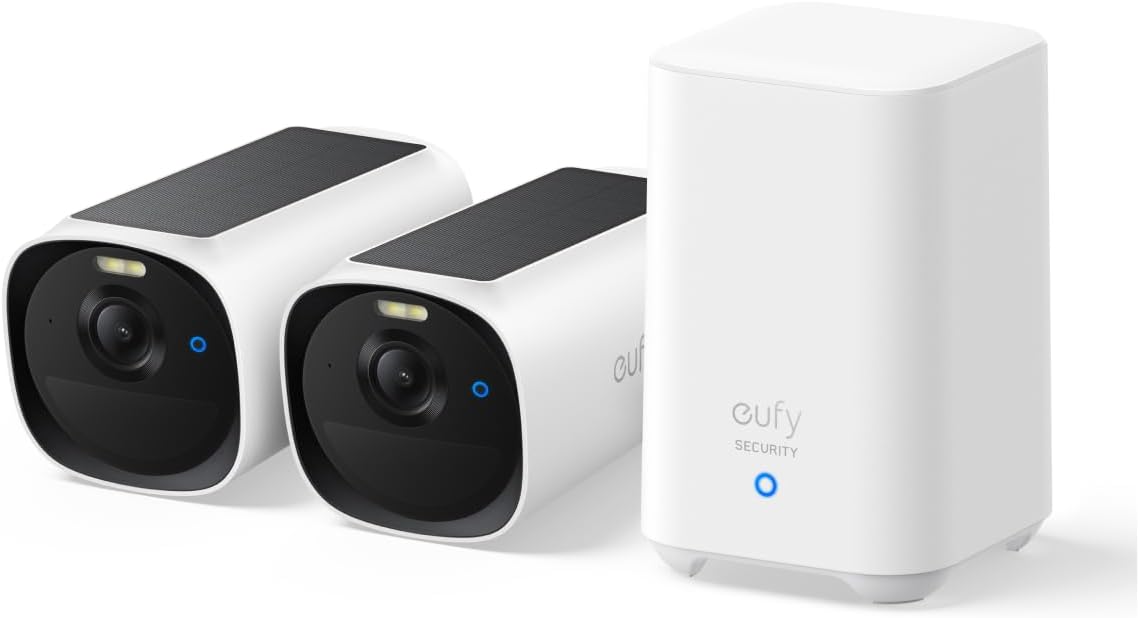 Visit on Amazon → eufy Security eufyCam E40 2-Cam Kit |
Outdoor, two angles on one property | 2K MaxColor night vision | Built-in 16GB local storage | Not required for the local recordings | $169.99 |
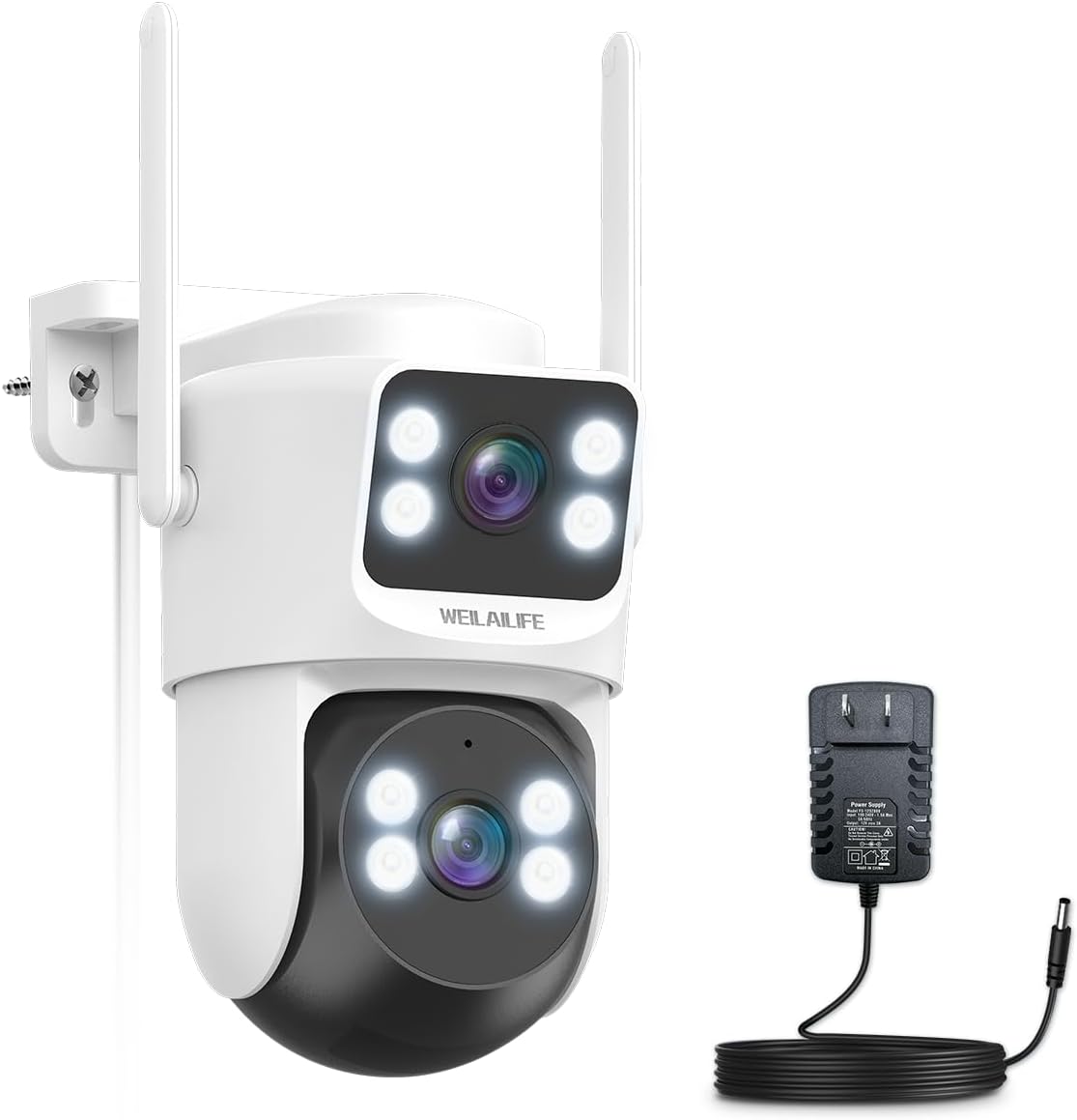 Visit on Amazon → WEILAILIFE 4MP Extend PTZ Security Camera |
Wide yards, one camera that moves | 4MP with pan, tilt, and zoom | Confirm on the listing before buying | Confirm on the listing before buying | $59.99 |
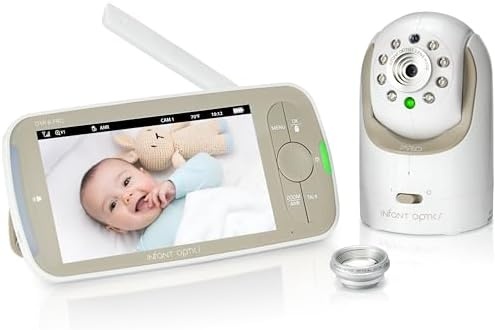 Visit on Amazon → Infant Optics DXR-8 PRO |
Nursery with no internet connection | Night viewing on the dedicated parent unit | On the parent unit, nothing leaves the house | None | $199.99 |
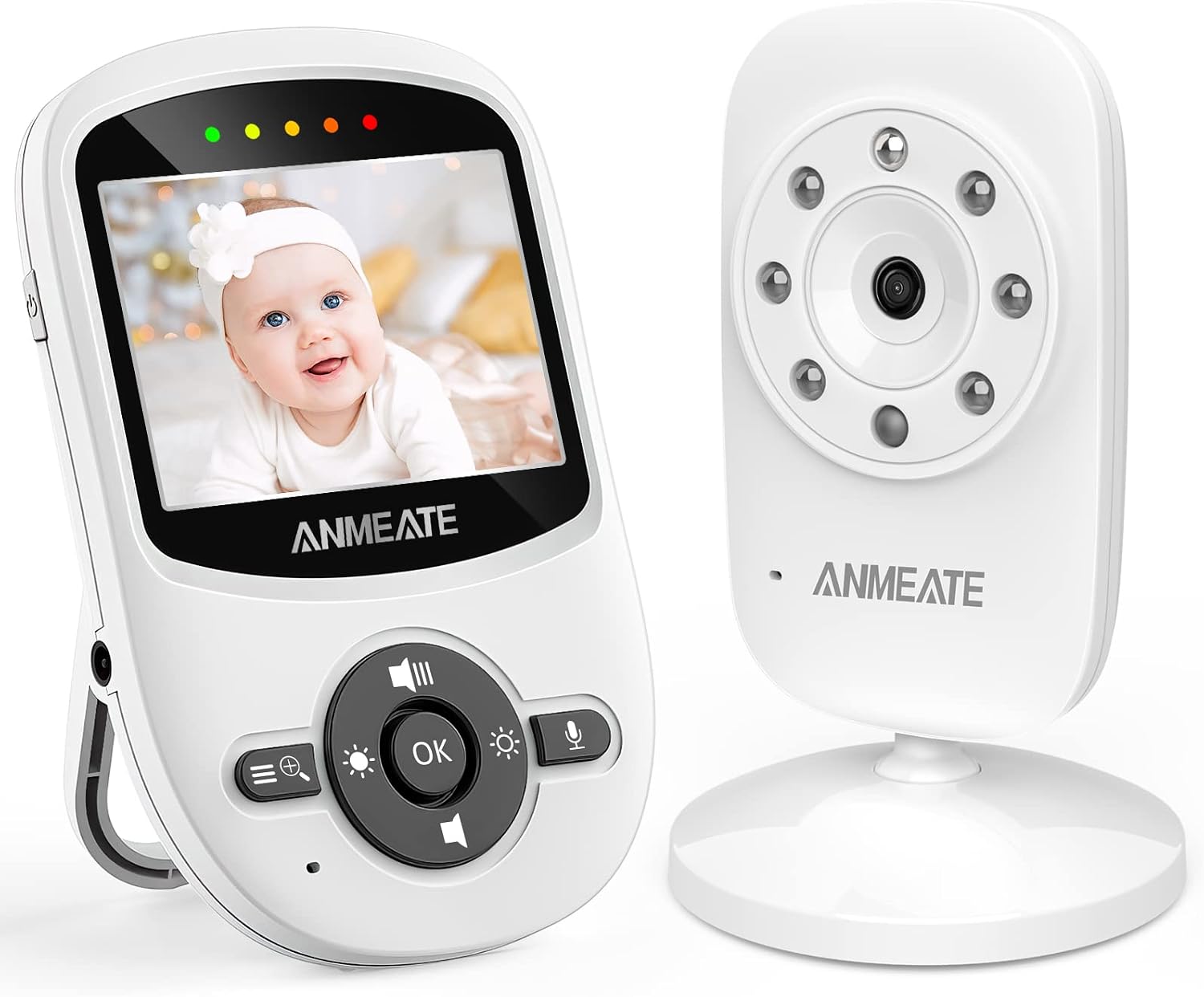 Visit on Amazon → ANMEATE Video Baby Monitor |
Budget nursery or a second monitor | Night viewing on the included parent unit | On the parent unit | None | $25.99 |
Two rows in that table are outdoor cameras and two are nursery monitors, and the reason they sit side by side is that they answer the same question. Where does the picture go, and who can see it?
Should you buy the eufy Security eufyCam E40 2-Cam Kit?
Yes, if you refuse to rent your own footage. The built-in 16GB of local storage means the clips stay in your house, the 2K MaxColor night vision is the strongest night spec in this group, and the two camera kit covers an approach and a door instead of making you choose. My one caution stands: check the exact model and its default cloud settings before you mount it, because eufy has changed that behavior across generations.
Should you buy the WEILAILIFE 4MP Extend PTZ camera?
Yes, if you have one open approach to cover and you want the camera to be able to follow it. Pan, tilt, zoom, and two-way audio for the price of a fixed camera is a real bargain, and the audio is the feature people underestimate. Just be honest with yourself about the tradeoff: a moving camera cannot watch two places at once. If your house has two vulnerable sides, buy two cameras instead.
Should you buy the Infant Optics DXR-8 PRO?
Yes, if the room is a nursery and you want a monitor that is not on the internet at all. No WiFi, no app, no account, and a dedicated parent unit with pan, tilt, and zoom. The interchangeable lens and the Active Noise Reduction are the two features that separate it from cheaper monitors.
Should you buy the ANMEATE video baby monitor?
Yes, if you want a simple monitor at a low price, or a second unit to keep packed for travel. It will not match the DXR-8 PRO on audio filtering or lens options, and it is not a substitute for a security camera. Test it in your own house first and confirm the range works where you need it.