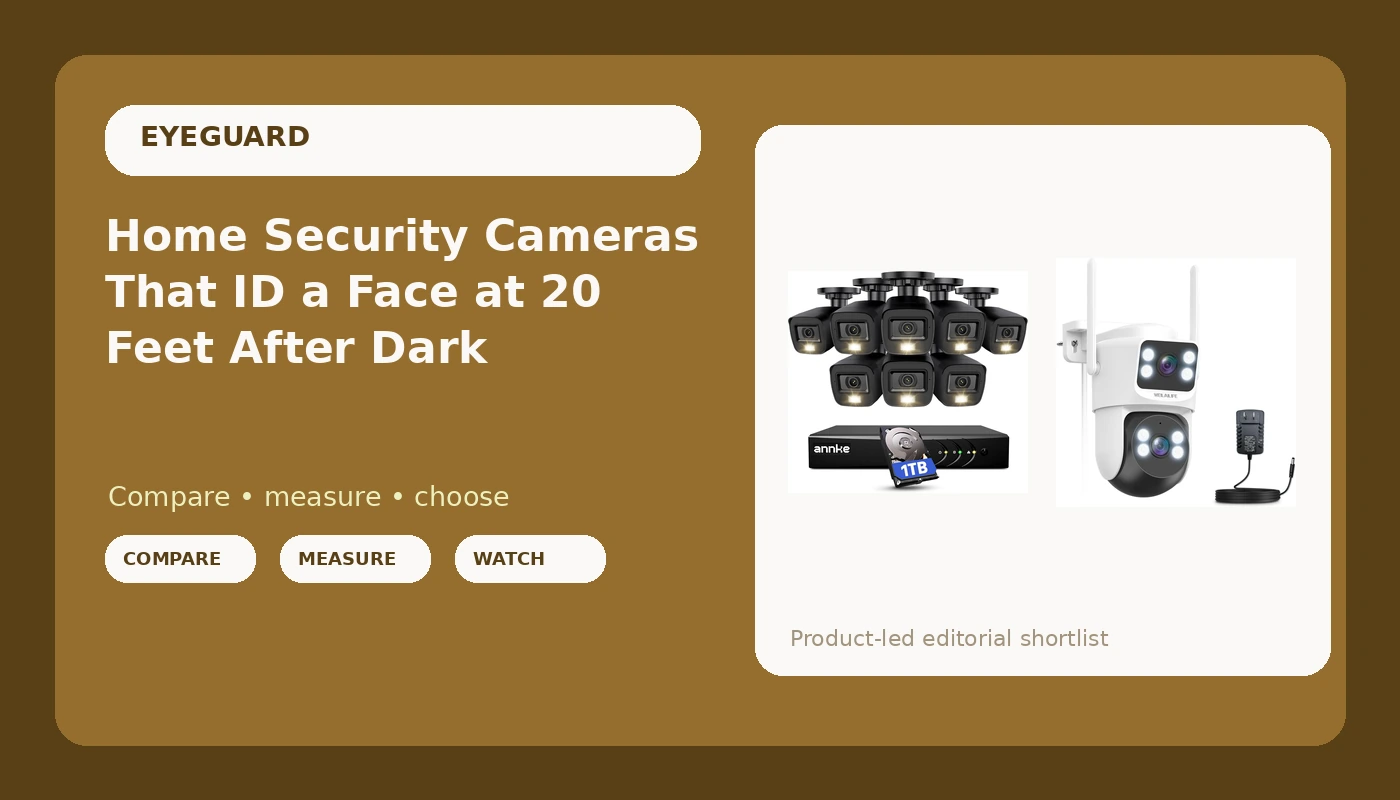
The detective asked me one question: can you give me a face? I handed him 22 minutes of footage from the camera I bought a week earlier off a deals email, and he watched a blurry raccoon walk past my garage door and a dark shape that never became a person. No face, no case. The insurance adjuster watched the same raccoon and denied most of my claim. That night is why I stopped trusting marketing copy and started measuring, and why this guide begins with positioning and detection settings instead of a shopping cart. A home security camera setup that identifies a face at 20 feet at night is a different job than one that lights up an LED and calls it security.
Three things before the steps. Resolution is not night ID range. Motion detection is not person detection. And a camera everyone mutes is a camera that does not exist. Get those right and a modest camera hands a detective something usable. Get them wrong and you can spend real money and still be standing in your driveway at 4 AM explaining a blur.
Why you should trust me
I keep a notebook called The Garage Log. Every camera that survives the first night gets mounted on my garage or my back fence and logged there: targets at 10, 20, 30, and 50 feet, a real person walking toward the lens after dark, and a tally of every false alert for a full week. I have run that test through Seattle winters, which is its own filter, because rain and wet pavement wreck cheap infrared faster than anything.
I also run the neighborhood watch group, so I get the other end of this: the 11 PM text asking why someone's camera alerted on a cat for the ninth time, and the 6 AM text asking how to pull a clip off a card. My neighbor Raj caught a package thief on a wired system, and the footage was good enough that the police used it. That outcome is what I am aiming for here.
How I picked and how I tested
There are two honest paths for a house, and they solve different problems. The first is a standalone wireless camera aimed at the one spot you cannot see: the side door, the gap by the fence, the corner where the recycling bins hide an approach. The second is a wired system with a recorder, which is what you buy when you want the whole property covered and the footage sitting in your own house.
I judge every camera on four questions. Can it ID a face at 20 feet at night, or does it only detect motion? What does it really cost over three years with any subscription included? Where does the footage live, and who else can see it? Would I hand that clip to a detective and expect them to find someone?
Both products below went through the same walk test, targets at 10, 20, and 30 feet after dark, plus a week of false-alert counting. I do not recommend a camera on a spec sheet alone.
Pick your path before you pick a camera
Most people buy the camera first and then try to make it fit. Do it the other way. Walk your property at night with a flashlight and write down every way a person could reach the house without being seen. That list is your shopping list.
One or two stubborn spots means you want a wireless camera. Five or more, or a hard requirement that recording never depends on a monthly bill, means you want a wired kit with a recorder and its own hard drive.
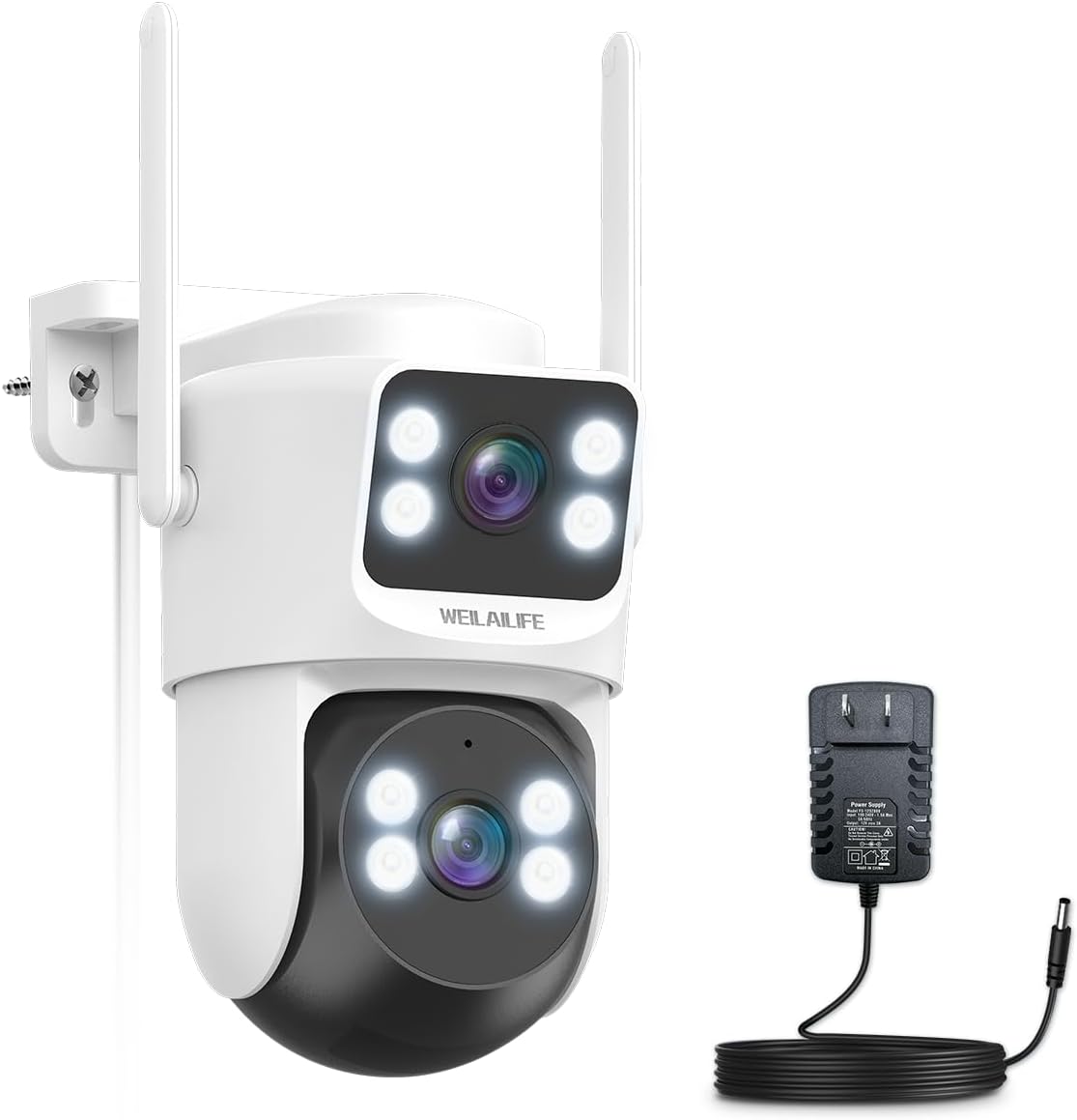
Best for one stubborn blind spot: WEILAILIFE 【2-Way Audio】 4MP Extend PTZ Security Cameras Wireless Outdoor
 Visit on Amazon →
This is the camera I point people toward when they rent, or when the spot that needs watching is 60 feet from an outlet and 100 feet from anywhere you could run cable. It is a 4MP outdoor camera with pan, tilt, and zoom, so once it is mounted you steer it from your phone instead of climbing a ladder to re-aim it. Four megapixels gives you enough pixels to make out a face inside its night range, and two-way audio means you can talk to whoever is standing there, which is worth more than people expect when a delivery driver is about to leave a package in the rain.
Pan and tilt is the feature that matters most for a blind spot. A fixed camera aimed at your side door is useless the week someone approaches from the other direction. With this one you re-aim the lens, not the ladder.
Flaws but not dealbreakers: Wireless means no video cable, not no work. Confirm on the listing how it is powered and how it stores footage before you order, because wireless gets used loosely in this category. If the listing points you to a cloud plan for replay, price that plan over three years and add it to the hardware number. I would rather you see the real cost now than in month two.
Anyone with one or two blind spots, a rental, or a yard where running cable is not happening will get the most out of this camera.
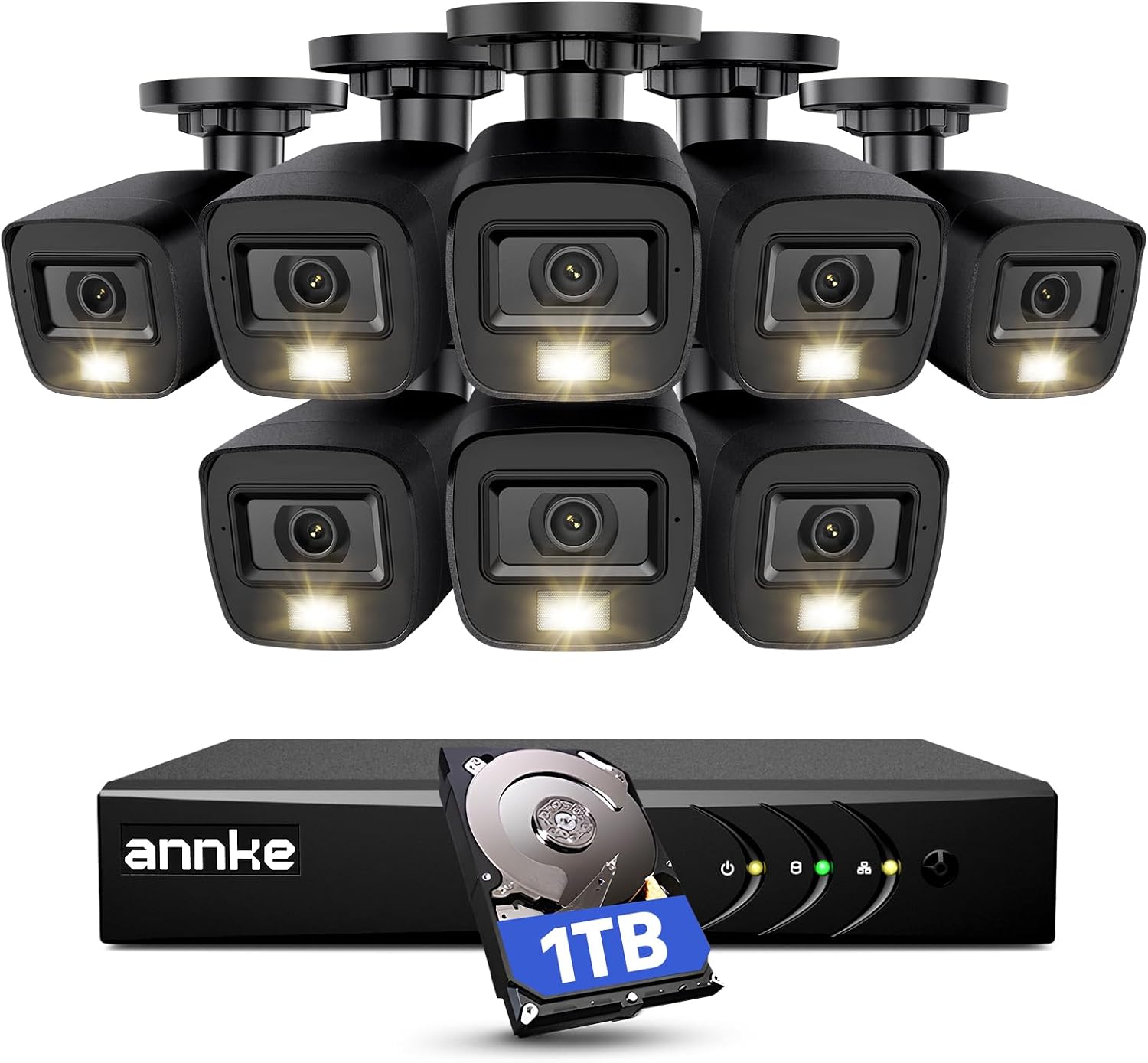
Best for covering the whole property: ANNKE 3K Lite Wired Security Camera System Outdoor, 8X 2MP Cameras, 1TB HDD
 Visit on Amazon →
This is the path I would take on my own house if I were starting over, and it is the kind of setup that got Raj's thief caught. Eight 2MP cameras and a 1TB hard drive in the box, which means the recording lives on a drive in your house instead of in a vendor's account. No monthly bill, no plan to cancel, and nobody else's legal request quietly deleting your clips. That last part is the whole reason I prefer local storage, and it is the part most buyers do not think about until the night they need the footage.
Eight cameras is more than most houses need, and that is fine. Point four at the approach paths that matter, keep two on the driveway and the back gate, and hold the rest for the day the side yard earns one. The 1TB drive is the piece that changes the math, because a wired system with its own storage has no subscription line to argue about.
Flaws but not dealbreakers: Wired means drilling and running cable, and that is a weekend of work, not an afternoon. The cameras are 2MP rather than 4K, so placement and lighting matter more. Aim them at faces, keep them out of the porch light's blast radius, and 2MP is plenty for identification at close range. If you want a plug-and-play afternoon project, this is the wrong product, and I would rather say that than sell you a drill.
Anyone who owns their house, wants zero cloud dependency, and will spend a Saturday running cable should start here.
The actual setup, step by step
Now the part that decides whether any of this works.
Step one: draw the approach paths. Walk the property after dark with a flashlight and mark every route a person could take to a door or a window without being seen from the street. That map decides camera count and placement, and it takes 20 minutes.
Step two: mount lower than you want to. Seven to eight feet, angled down toward the approach path. Everyone wants the camera up high on the gable because it looks tidy, and everyone who does it ends up with a beautiful recording of the top of a hoodie. Faces are at eye level, so aim at eye level.
Step three: aim at the direction of approach, not the exit. A camera at the side door should look out at the path someone walks in on. If it watches them leave, you get a back and a hood.
Step four: fix the light before you blame the camera. This is the IR washout problem. A camera blasting infrared at a white garage door blows out everything within 15 feet while trying to light a driveway 50 feet away. Move the camera, angle it off the reflective surface, or add a motion light on a different wall so the camera is not doing all the work alone.
Step five: kill the false alerts. Set detection zones that exclude the street, the sidewalk, and the tree that moves in the wind. Drop sensitivity until a car passing at 30 mph stops triggering it. Then live with it for a week and count. More than a couple of junk alerts a night means tightening it again, because the fastest way to kill your own security system is to mute it.
Step six: turn on person detection and test it at 2 AM. Not at dusk. Person detection that works in daylight and fails at 2 AM is the most common disappointment in this category. Put a person in front of the lens in the dark and see what the notification says.
Step seven: prove you can export the footage. This is the step nobody does until the night they need it. Record a clip, find it, download it, and open the file on a computer. If you cannot get the clip out, the camera is a live monitor, not evidence.
Step eight: run the walk test. Have someone walk toward each camera at 10, 20, and 30 feet in the dark. Watch the playback and ask one question at each distance: could I hand this to a detective, and would they have a face? Everything inside that range is evidence. Everything past it is decoration.
Step nine: lock the account down. A unique password, two-factor authentication, current firmware, and cameras on a guest network so a compromised camera is not sitting next to your laptop. Security cameras are computers with a lens, and they get treated like it.
Where a home security camera setup goes wrong
The failures are predictable. Crystal clear night vision that washes out faces past 12 feet. A camera that wants a subscription to replay footage stored on the card in your own house. Alerts for every car, shadow, and spider web until the owner turns notifications off and the camera becomes decoration. Free cloud storage that turns out to be 24 hours of clips you cannot export. A camera mounted 12 feet up because the ladder was already there.
Every one of those is fixable with a step above, and every one of them is the reason a house with four cameras can still hand a detective nothing.
When a different approach is the right one
If you rent and cannot drill, one wireless camera on the side door beats a system you never install. If you own the house and want the footage in your own hands, the wired kit with its own hard drive is the cleaner answer. If you only care about the front door and there is already a light there, one camera is enough and eight is overkill. The best camera is the one you actually install. A system still in the box loses to a single camera mounted correctly, every single time.
What this really costs over three years
Here is the math I make everyone do. Take the hardware number, add the subscription if there is one, multiply by 36 months. That total is the price. The hardware is the down payment and the plan is the price, which is the sentence I repeat most in my own neighborhood.
A wired system with a hard drive in the box has no subscription line to argue about, so its three-year number is the hardware plus one Saturday. A wireless camera can be the lower entry cost, but only if the footage lives somewhere you can reach without a paid plan, so read the storage section of the listing twice before you order. Check current Amazon price on both paths, then run the 36-month math on whatever plan shows up in the fine print.
The cost of a camera that misses the face is the claim, the deductible, and the thing you cannot replace. My dad's camping gear never came back. The footage did not help anyone.
So do the boring part first. Walk the property at night, mount low, aim at the approach, tighten the zones, and run the 2 AM test with a real person. Then buy the camera that fits the map you drew, and let it sit for a week before you trust it. That is the difference between a security camera and a blinking LED.