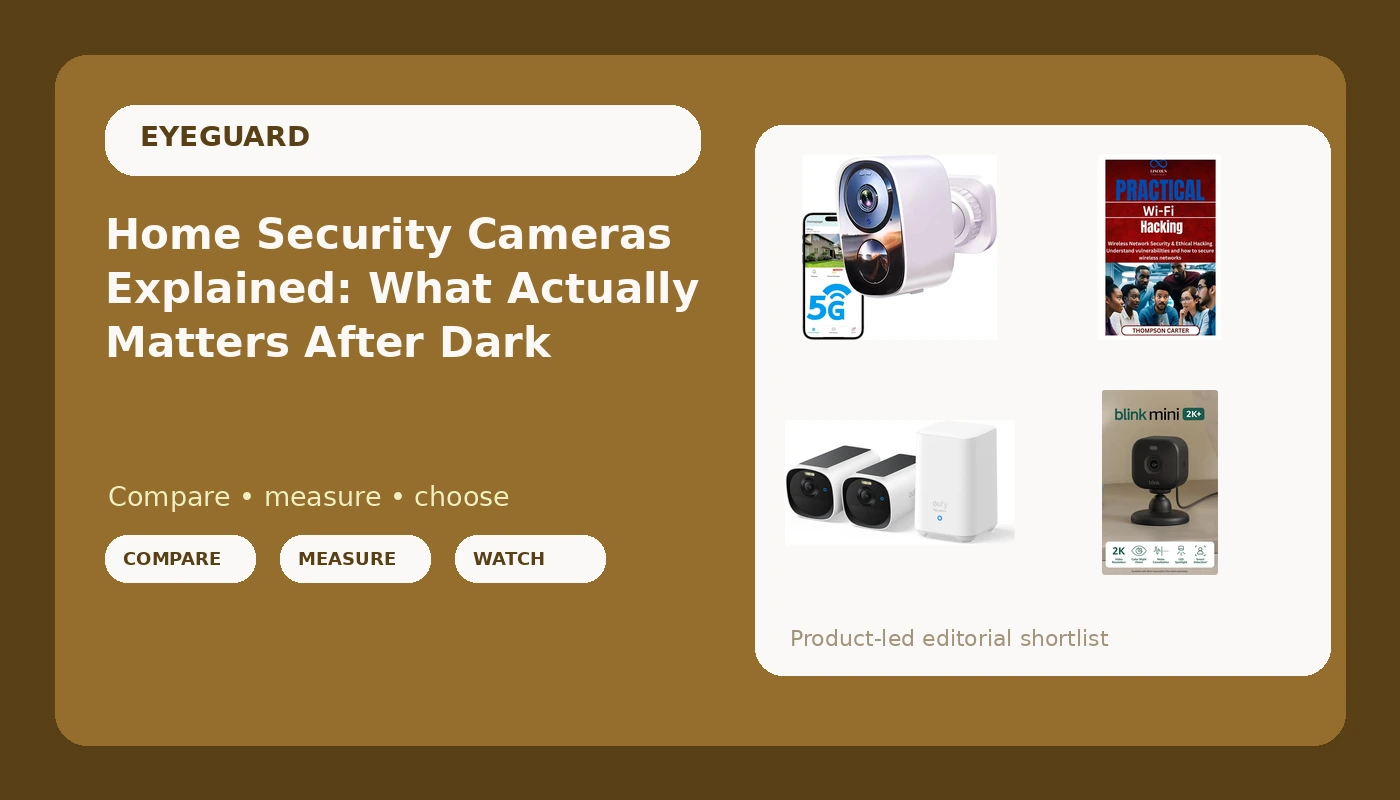
If your only experience with a security camera is a clip that shows a shape and a pair of eyeshine, you are not alone. I learned it the hard way at 3:07 on a February morning, when someone came through my garage side door and the wireless home security cameras I had bought a week earlier produced twenty-two minutes of a raccoon and a shadow that never became a face. The detective was kind about it: no face, no case. Insurance watched the raccoon too and denied most of the claim. Since then I have cared about four things in any camera: how far it can identify a face at night, how often it cries wolf, where the footage actually lives, and what the thing costs over three years once the subscription is counted. This explainer walks through those four things and matches them to a small set of cameras, plus one book that covers the layer most camera buyers never think about.
Related: The 3-Year Cost of a Free Security Camera →
Quick answer
There is no single camera that wins in every yard, and any guide that claims otherwise is selling you something. The practical answer is that you match the camera to the job. An indoor plug-in camera covers a hallway, a nursery, or a pet, where power is easy and weather is not a factor. A battery-powered outdoor camera covers a fence line or a driveway where no outlet exists. A kit with built-in local storage suits anyone who refuses to rent their own footage back every month. And a book on wireless network security covers the part of the setup that cameras themselves never address, which is the network every one of them joins. The deciding factors are almost always power at the mount point, subscription tolerance, and the distance over which the camera has to identify a face after dark.
Four useful options
| Model | Best fit | What stands out |
|---|---|---|
| eufy Security eufyCam E40 2-Cam Kit, 2K MaxColor Night Vision,Built-in 16GB | Households that do not want a monthly bill | Two cameras and built-in local storage |
| Blink Mini 2K+ (newest model), Plug-in Home & Pet Indoor Security Camera with 2K video resolution, night vision, enhanced audio, motion detection, 2 cameras (Black) | Indoors, where an outlet is always nearby | Two plug-in cameras with 2K resolution and enhanced audio |
| 2026 Upgraded 2K Security Cameras Wireless Outdoor, Free Cloud Storage, 1-6 Months Battery Life, Waterproof, 2-Way Talk, AI Motion Detection Spotlight Siren Alarm Cameras for Home Security | A fence, driveway, or gate with no wiring | Battery operation, waterproof housing, spotlight and siren |
| Practical Wi-Fi Hacking: Wireless Network Security & Ethical Hacking Understand vulnerabilities and how to secure wireless networks | The reader who wants to understand the network layer | Explains wireless vulnerabilities and how to close them |
The local storage pick: eufy Security eufyCam E40 2-Cam Kit, 2K MaxColor Night Vision,Built-in 16GB
This is the option I point people toward when the phrase "monthly subscription" makes them twitch. Built-in storage means the clip of the person who took your bike is sitting in your house, not behind a paywall and not subject to someone else's retention window. Two cameras also solve the problem most single-camera buyers run into, which is that one camera covering the driveway cannot also cover the back gate.
Two honest caveats. Color night vision is not magic: it depends on ambient light, and a completely dark yard is a different test than a streetlit one. And "local storage" does not automatically mean the vendor cannot reach it, so if privacy is the whole point, read the current documentation for the specific model and turn off anything you do not need. A brand can be good on local storage and still ship a feature you have to disable yourself.
The indoor pick: Blink Mini 2K+ (newest model), Plug-in Home & Pet Indoor Security Camera with 2K video resolution, night vision, enhanced audio, motion detection, 2 cameras (Black)
Plug-in cameras get dismissed as the boring choice, and boring is underrated. There is no battery to remember, no percentage dropping during a cold snap, and no ladder work in January. For a hallway, a front entry, a nursery, or watching a dog that has learned to open cabinets, a camera with a permanent power source is the least annoying thing you can install.
The trade-off is placement. Plug-in means the mount point is wherever the cord reaches, and indoor means it stays indoors. If your actual problem is the side of a garage, this is the wrong tool no matter how good the resolution number is. Keep it where power and shelter already exist, and pair it with an outdoor camera if the outside is what worries you.
The battery outdoor pick: 2026 Upgraded 2K Security Cameras Wireless Outdoor, Free Cloud Storage, 1-6 Months Battery Life, Waterproof, 2-Way Talk, AI Motion Detection Spotlight Siren Alarm Cameras for Home Security
This is the category where the marketing gets loudest, so read the details slowly. Battery life figures are quoted as a range for a reason: every motion event, every spotlight trigger, and every cold night pulls from the same cell. A camera that lasts months in a mild climate with quiet detection zones can behave very differently in a Seattle February with a tree branch in frame.
The spotlight and siren are genuinely useful as a deterrent, but they are also the fastest way to generate alerts you will eventually mute. Set detection zones tight, put the sensitivity where a passing car does not trip it, and treat the siren as a tool for the moment you are watching live, not as a default reaction. On the cloud side, "free" is a word worth interrogating. Before buying, find out how long clips are retained, whether you can download them, and what happens to footage on day two. Free storage that expires in a day is not the same thing as owning a clip you can hand to a detective.
The background reading: Practical Wi-Fi Hacking: Wireless Network Security & Ethical Hacking Understand vulnerabilities and how to secure wireless networks
Every camera in this article is a small computer that joins your Wi-Fi and uploads video. That makes your router part of your security system, and most people never look at it. A camera on a weak signal drops frames and stutters right when you need it, and a camera on a network with default credentials is a door, not a guard. If you want to understand what an attacker actually sees when they look at your wireless network, this is the reading list in one volume.
Prices and availability may change. Product images, names, and retailer links must be matched by verified product identifiers. Do not state a current price, rating, stock status, or measured result without current evidence.
How to read a night vision spec without getting fooled
Night vision is the single most oversold feature in this category. A camera can see in the dark and still be useless as evidence, and those are two different claims. Seeing means the sensor registers shapes. Identifying means you get a face or a plate you could hand to a detective. The gap between them is where most break-in footage lives.
Two terms explain most of the disappointment. The first is night identification range: the distance at which a camera captures a face you could actually recognize. Everything inside that range is evidence. Everything past it is decoration. The second is IR washout, which is what happens when infrared illumination overexposes whatever is closest, so a camera straining to light up fifty feet blows out anything within fifteen and turns your raccoon into a glowing blob.
Resolution numbers do not fix this on their own. A 2K sensor paired with a wide lens and poorly placed infrared emitters can identify a face at fifteen feet and lose it at thirty. When you evaluate any camera, ask what distance the mount point is from the choke point, meaning the door, gate, or driveway entrance where a person has to slow down and turn. That number matters far more than the megapixel count on the box. If the camera is thirty feet from the gate and the identification range is twenty, you have bought a motion detector with a light on it.
Where the footage lives, and what that costs over three years
The hardware price is the down payment. The subscription is the price, and it is the number that never appears on the shelf. A camera that costs very little and requires a monthly plan can cost more over three years than a camera that costs more up front and stores clips locally. That is the whole argument, and it is arithmetic, not ideology.
Local storage means footage goes to a card or a base station in your house. No monthly bill, and no vendor holding your clips. The catch is that some cameras still gate playback or export behind a plan even when the recording sits on storage you bought, so check the current terms for the exact model before you assume. Cloud storage is convenient and survives a thief walking off with the camera itself, which is a real advantage. Its catch is the opposite one: retention windows, download limits, and the fact that your footage sits on someone else's hardware.
Three-year cost math is simple once you have the numbers. Add the hardware price to thirty-six times the monthly plan, then compare that total against a local-storage option plus the cost of a memory card. Do that before you buy, not after. It is the single most clarifying exercise in this entire category, and it takes four minutes.
- Write down what the camera is for. Identifying a face at a door is a different job from watching a dog.
- Measure the distance from the mount point to the choke point, and write that number down.
- Decide now whether you will pay a monthly subscription. If the answer is no, only consider cameras with usable local storage.
- Check power at the mount point. Outlet, battery, or a cable you are willing to run.
- Walk the Wi-Fi signal at the mount point with your phone before drilling anything.
Practical guidance that survives contact with a real house
- Mount at roughly seven to eight feet and angle slightly down, which puts the camera at a face-friendly angle instead of staring at the top of a hood.
- Point the camera at the choke point, not at the scene of the crime. People slow down and turn at gates and doors, and that turn is your best frame.
- Cut the street and the sidewalk out of the detection zone. That single change removes most of the alerts that make people mute their own cameras.
- Turn on person detection and turn off everything else. A camera that notifies you about every car is a camera you will stop reading.
- Test at night, on foot, with someone walking the path a stranger would take. Then look at the clip on your phone, not on a laptop, because that is where you will actually review it.
- If you keep cloud footage, know the retention window and confirm you can download a clip. If you keep local footage, know what happens when the card fills.
Which option should you choose?
Choose the eufy Security eufyCam E40 2-Cam Kit, 2K MaxColor Night Vision,Built-in 16GB when you want two outdoor cameras and you are done paying monthly for footage that could live in your own house. Choose the Blink Mini 2K+ (newest model), Plug-in Home & Pet Indoor Security Camera with 2K video resolution, night vision, enhanced audio, motion detection, 2 cameras (Black) when the coverage you need is indoors, near outlets, and you would rather never think about a battery again. Choose the 2026 Upgraded 2K Security Cameras Wireless Outdoor, Free Cloud Storage, 1-6 Months Battery Life, Waterproof, 2-Way Talk, AI Motion Detection Spotlight Siren Alarm Cameras for Home Security when the mount point has no power and you want a spotlight and siren on the same device. Choose Practical Wi-Fi Hacking: Wireless Network Security & Ethical Hacking Understand vulnerabilities and how to secure wireless networks when you want to understand the network all of these cameras depend on.
One caveat worth stating plainly: nothing here is a substitute for your own testing at your own address. Distances, lighting, Wi-Fi coverage, and local weather change the answer, and a camera that performs well on one property can disappoint on the next. The specifications above are what the products claim. Your driveway is the final judge.
The bottom line
A camera earns its place by identifying a face at the distance that matters, at night, without burying you in alerts you will learn to ignore. Everything else is marketing. Get the power situation right, put the camera where a person has to turn, decide up front whether you are renting your footage or owning it, and run the three-year math before you click buy. A cheap camera mounted correctly at the choke point beats an expensive one aimed at the sidewalk, every single time. The point of all of it is that when someone asks you for a face, you have one.