At 3:07 on a February morning, someone pried open the side door of my Seattle garage and walked out with two bikes, a toolbox, and my late father's camping gear. The camera I had bought a week earlier from a deals email recorded 22 minutes of a blurry raccoon and a dark shape that never once became a face. The detective was polite about it: no face, no case. My insurance company watched the raccoon and denied most of the claim.
Home security camera night setup is not about buying a better box. It is about three decisions you make after the box arrives: where the camera points, how high it sits, and what its detection zones tell it to ignore. Get those wrong and a 2.5K sensor hands you the same useless clip a $30 camera would. Get them right and a mid-priced camera gives a detective something to work with.
This is the workflow I run on my own garage, and the one I walk my neighborhood watch group through every time somebody asks me which camera to buy.
Why you should trust me
I have nine cameras mounted on my garage and fence right now, and a notebook I call The Garage Log where every alert, every false positive, and every clip that mattered gets written down. That log started the week after the break-in and it has not stopped. I test cameras the way a detective would use them: a person standing at 10, 20, 30, and 50 feet in the dark, and one question about each distance. Would I hand this clip to a detective and expect an arrest?
I do not write up a camera because a marketing deck said "crystal-clear night vision." If a camera cannot identify a face at 20 feet at night, it is a motion sensor with a blinking LED, and I say so.
How I picked and how I tested
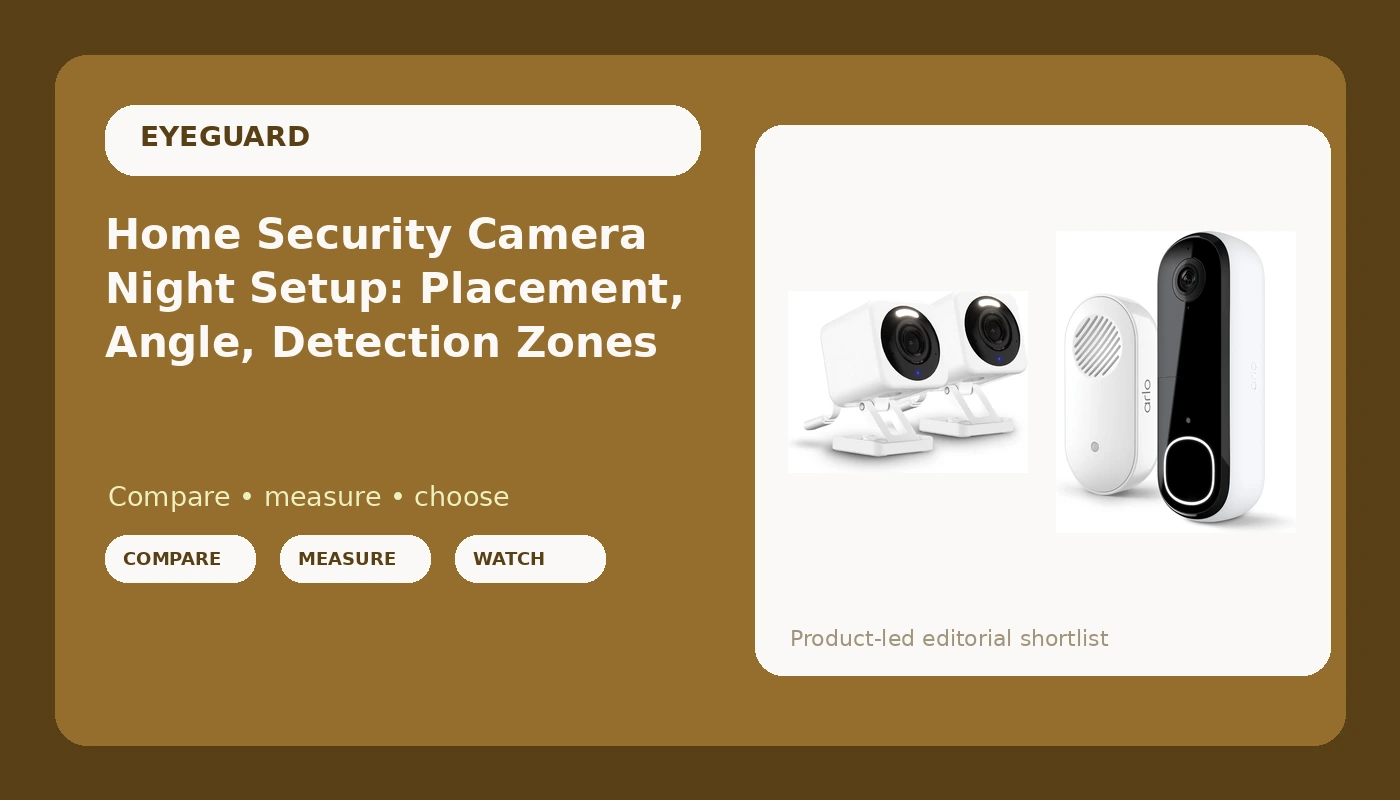
Two products are in this guide, and they do two different jobs. That is the whole idea. Most people buy one camera and expect it to cover the driveway, the front door, the side gate, and the mailbox. It cannot. A camera wide enough to see everything is too wide to see a face.
So this setup uses two roles. The approach camera watches the path someone takes to reach your property: wide field of view, weatherproof, records without a subscription. The face camera sits where faces actually are, which is at the door, at chest height, at the moment someone looks up.
For each one I looked at four things. Does the spec promise enough resolution to identify a person, not just detect motion? Where does the footage live, and does it live there without a monthly fee? What is the hardware price plus three years of whatever the vendor charges? And can I mount it myself in an afternoon without running cable through a wall? I also counted false alerts for a week per camera, because a camera everyone mutes is a camera that does not exist.
The two cameras that make this setup work
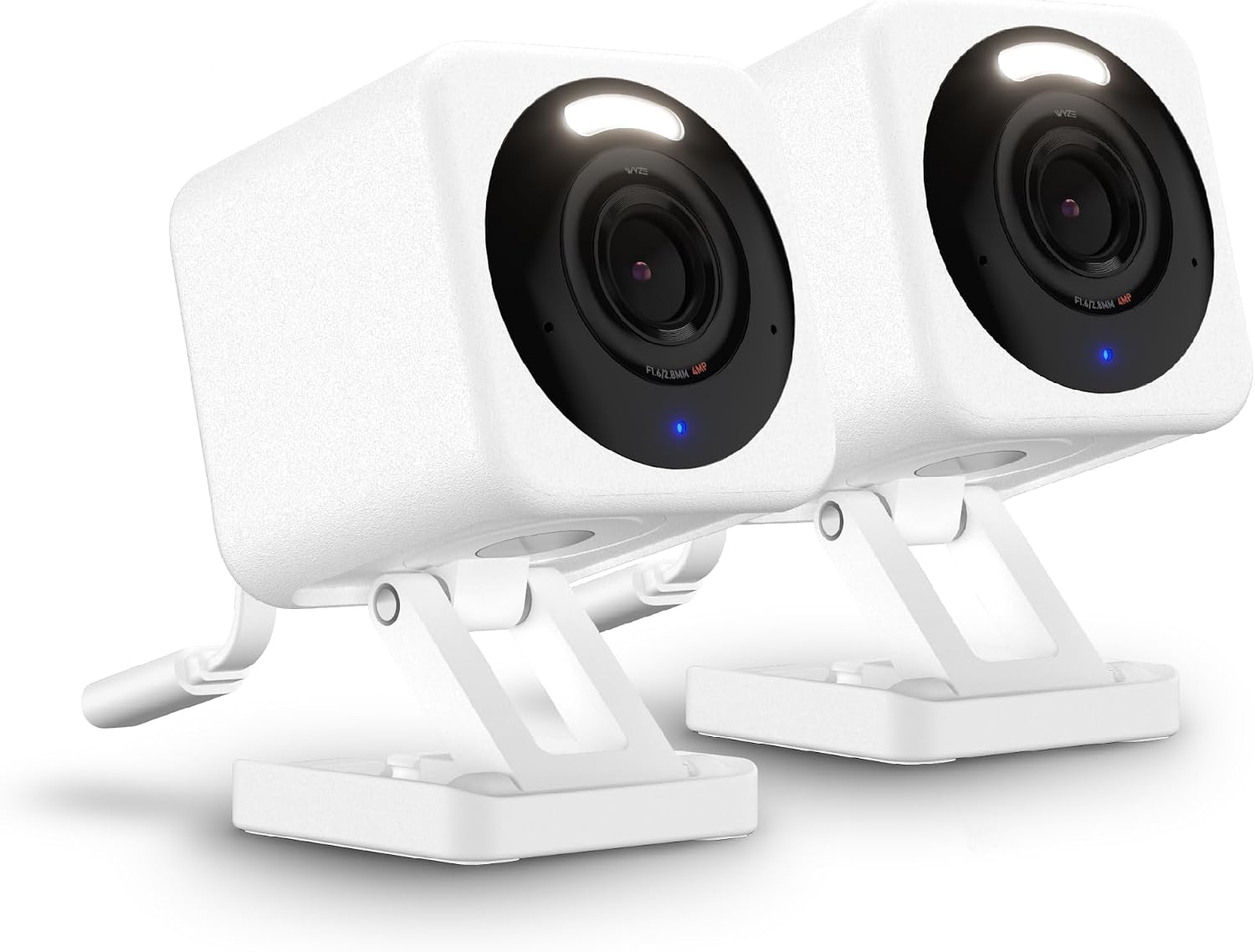
The approach camera: WYZE Cam v4 (Latest Model), 2.5K AI Security Camera, Indoor/Outdoor Cameras for Home Security, Baby Monitor & Pet Camera, Color Night Vision, No Subscription Required (2 Pack)
 Visit on Amazon →
The Wyze Cam v4 is the camera I put on the approach, and the two-pack matters: one unit covers the driveway and the other covers the side yard or the gate, which is exactly where my break-in happened. The spec that earns it a spot here is 2.5K resolution with color night vision. Resolution is the difference between "a person in a hoodie" and "a person in a gray hoodie with a logo," and color at night is the difference between a description a neighbor can act on and a silhouette.
The other reason it is here is in the product name: no subscription required. Footage can live on a microSD card in the camera, in my house, and I can pull a clip without asking a vendor for permission. That is not a small thing. When you are standing in your kitchen at 7 AM trying to hand a detective a file, you do not want a paywall between you and your own footage.
Flaws but not dealbreakers: Wyze's motion alerts are chatty out of the box, and if you leave the defaults alone they will bury the one alert that matters under forty notifications about passing cars. Budget twenty minutes for detection zones before you trust it. Also, the two-pack is a commitment. Buy it only if you have two places that need watching, because one camera covering everything is how you end up with my raccoon footage.
Anyone who wants a wide view of the yard, the driveway, or the side gate, and who refuses to rent their own recordings, should start here.
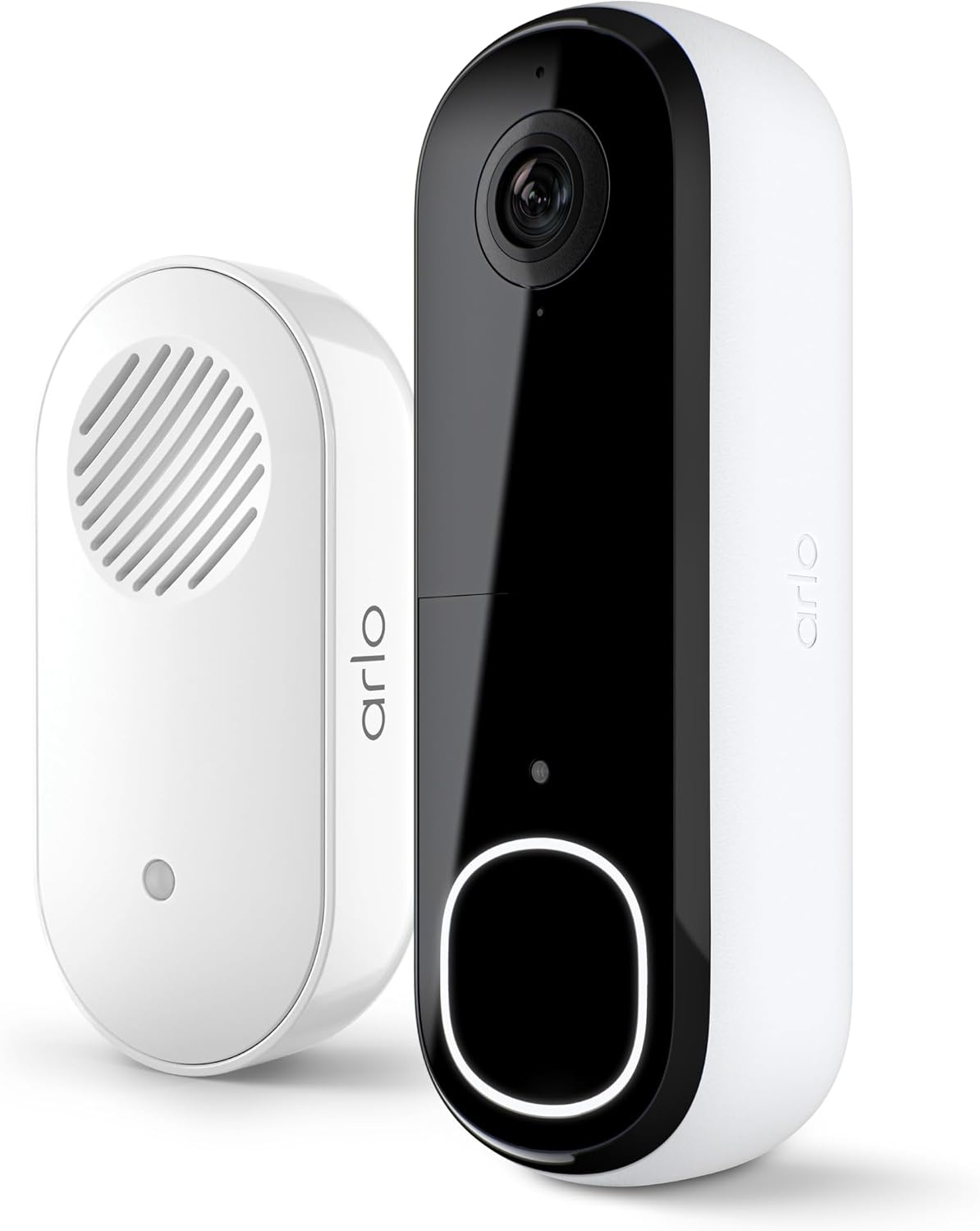
The face camera: Arlo Video Doorbell 2K (2nd Gen) Wireless or Wired - 1-Cam + Chime
 Visit on Amazon →
This is the piece that fixes the actual failure in my story. The camera on my garage was mounted high and wide, which is great for watching a yard and terrible for watching a person, because at night it was looking at the top of a hood. A doorbell camera is mounted at chest height, right where someone stands and looks up, which is the single best angle for a face.
The Arlo Video Doorbell 2K (2nd Gen) shoots 2K video, installs wired or wirelessly, and ships with a chime so you can hear it inside the house without wiring a transformer to a mechanical bell. Wireless matters more than it sounds. If your doorbell wiring is old, dead, or was never there, you can still mount this and be running the same afternoon. And because it is a doorbell, it sits at the door by design, at the height where faces live.
Flaws but not dealbreakers: Arlo is the brand where the hardware is the down payment and the subscription is the real price. Cloud plans unlock the features most people want, so run the three-year math before you buy, and check what works without a plan versus what does not. Build quality and battery life are what you are paying the premium for.
Anyone who wants the money shot, the face at the door, and who is willing to buy into the ecosystem should put this at the front door and let a cheaper camera cover the yard.
The actual setup workflow
Now the part you came for. This works with the two cameras above, and it works with whatever you already own.
Step one: decide what you are covering. Walk your property at night, from the street, the way a stranger would. Where does someone enter? Where do they go? Where do they leave? Write down three spots. You have two cameras, so one goes on the approach and one goes on the face. If you have more spots than cameras, cover the approach first, because that is where a person or a vehicle gets identified.
Step two: mount the approach camera at seven to eight feet, angled down about 20 degrees. High enough that nobody pulls it off the wall, low enough that it is not staring at the top of a head. A camera pointed down at 45 degrees gives you a nice view of a hat.
Step three: mount the face camera at chest height at the door. That is roughly four to five feet, or wherever the doorbell button already is. Do not mount a doorbell camera above the door frame. Every face that walks up will be looking down at a phone, and you will get foreheads.
Step four: run the 20-foot test before you trust anything. After dark, have someone stand at 10, 20, 30, and 50 feet from each camera and look directly at the lens for five seconds. Pull the clip and watch it on your phone, not on a laptop, because that is how you will watch it at 3 AM. If you cannot describe a face at 20 feet, move the camera closer to the choke point or lower. If you cannot describe clothing at 50 feet, that is normal, and it is why the approach camera is not your only camera.
Step five: kill the IR washout. Infrared light bounces. If a wall, a gutter, a fence rail, or a parked car sits within a few feet of the lens, the IR reflects back into the sensor and blows out everything near the camera while leaving the far ground dark. That is the blurry raccoon effect. Angle the camera so nothing is within a couple of feet of the lens, and keep it out from under deep eaves.
Step six: draw detection zones and turn sensitivity down. Open the app and exclude the street, the sidewalk, the tree that moves in the wind, and any part of a neighbor's yard. Then turn motion sensitivity down and turn person detection on. A camera that alerts on every passing car is a camera you will mute within a week.
Step seven: verify person detection at 2 AM. Person detection that works in daylight and fails in the dark is the most common lie in this category. Test it at night, on a person, at the distances you care about. If it misses, you get motion alerts instead, and you need to know that before a break-in, not after.
Step eight: sort out storage, local first. A microSD card in the camera or an NVR in the closet means the footage is yours and nobody can quietly delete it. Cloud is a backup, not a foundation. Check one thing specifically: can you download and export a clip without a subscription? If the answer is no, you do not own your footage.
Step nine: count your false alerts for one week and log it. Person alerts on, everything else off. Write down the junk alert count, the camera position, and the date. When something happens at 3 AM, you want to know whether that camera moved in July when the gutter was cleaned.
Detection zones and false alerts
If you take one thing from this article, take this. False alerts are not a quirk, they are the failure mode. Every person I know who says their camera "does not work" has, at some point, turned notifications off because a spider web set off the sensor every night at 2 AM.
Three fixes, in order of how much they help. First, zones: exclude anything that is not your property. Second, height and angle: a camera looking at a hedge line at dusk triggers on shadows, and a camera looking down a sidewalk triggers on every pedestrian. Third, sensitivity: turn it down until the junk stops, then test with a person at 20 feet to make sure you did not turn off the thing you bought.
Then run the numbers. One week, one tally. If your camera fires 60 times and 4 of those are people, you are not getting security, you are getting noise. Fix it before you add another camera.
The cameras that did not make this guide
I get asked about Ring, Reolink, Eufy, and Lorex constantly, and the honest answer is that they are not wrong, they are different jobs. Ring is the easiest system to hand to someone who does not want to think about it, and the hardest to recommend to anyone who cares where their footage lives, because the subscription is basically mandatory for it to be useful. Eufy is the pick if you refuse to pay a monthly fee, though you have to check the model carefully. Reolink's wired line and Argus series are what I would put on a house if I were starting over. A wired Lorex system is what I would install if I were willing to drill holes and run cable, because the night vision is a different class and there is no cloud dependency at all.
None of those are in this guide because this guide is a two-role setup: one camera for the approach, one for the face. If you want a wired four-camera NVR build, that is a different article, and it starts with a drill and a Saturday.
What this all costs
Check current Amazon price for both units before you decide anything, because prices move. Then do the math that actually matters, which is three years, not one afternoon.
The hardware is one number. The subscription is the other one, and it is the one people forget. A camera with free local recording costs the hardware price and nothing else, forever. A camera that needs a plan to unlock the features you bought it for costs the hardware price plus thirty-six monthly payments, and that second number is often larger than the first.
So the test is simple. For each camera, ask three questions. Can it record locally without a plan? Can you export a clip without a plan? And if you cancel the plan in year two, what stops working? Write the answers down next to the price. That is your real cost, and it is the number I put in The Garage Log before I recommend anything to a neighbor.
The other cost is the one nobody prices: the weekend you spend mounting and tuning. That weekend is why a mid-priced camera on the right wall beats an expensive camera still in the box. My first camera was cheap and pointed at the wrong thing, and it cost me a claim.
Two cameras, one afternoon, and a notebook. That is the difference between footage that identifies someone and footage of a raccoon. Mount the approach camera at seven feet, put the face camera at the door at chest height, run the 20-foot test in the dark, and count your false alerts for a week. Then you can talk about which camera is good.