I bought my first security camera the week before someone pried open the side door of my Seattle garage at 3:07 in the morning and walked out with two bikes, a toolbox, and my late father's camping gear. The camera recorded 22 minutes of a raccoon and one dark shape that never became a face. The detective was kind about it: no face, no case. Insurance watched the raccoon, then denied most of the claim. This home security camera comparison is the piece I wish I had read before I handed that footage to a detective and watched him try not to smile.
The system I would install on my own house first is the eufy 4-Camera Kit with 1TB Hard Drive, because the recording lives on a drive inside your house and nobody can charge you a monthly fee to watch your own driveway. That answer assumes you can mount four cameras and get power to them, which is exactly the assumption that sends most people to a battery camera instead. So here is the honest version: four systems, four different jobs, and the questions I ask before any of them earns a spot on my fence.
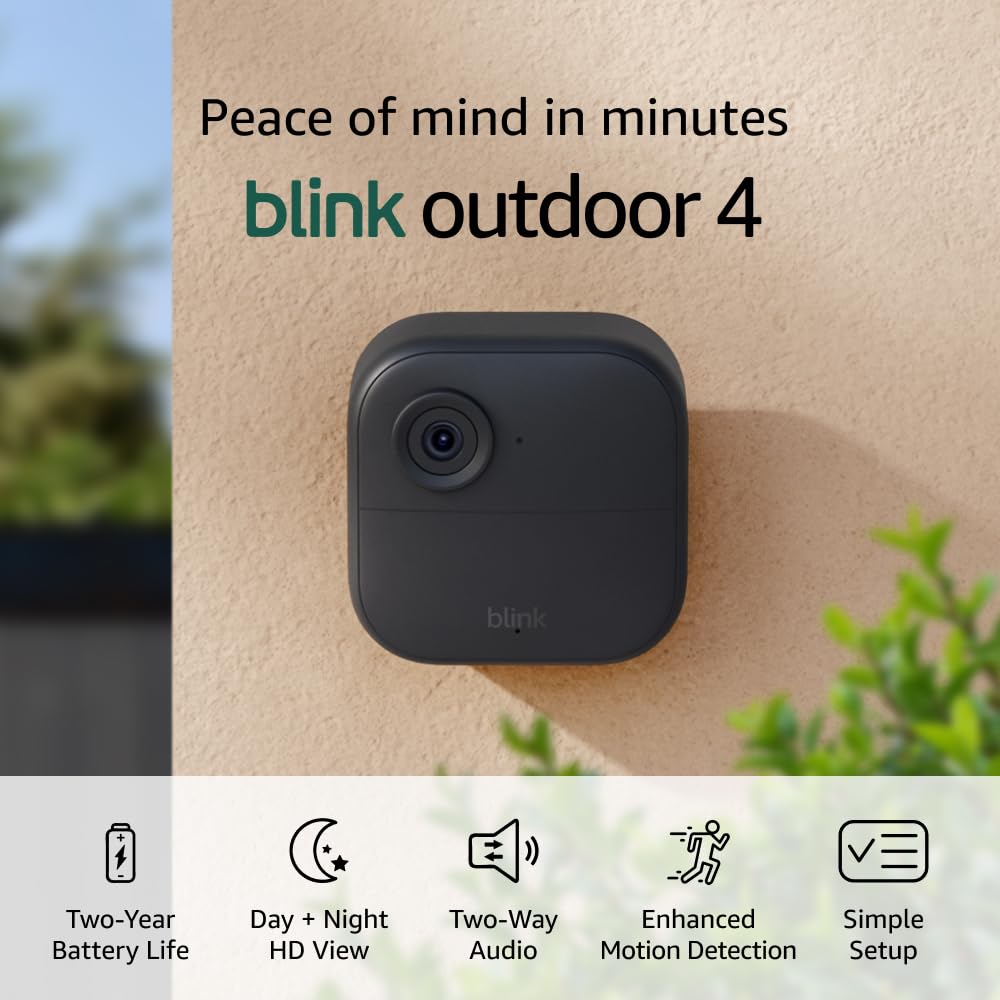
Blink Outdoor 4, 5-camera system
Five cameras on one box, two-year battery per the spec sheet, and no cable run anywhere. Easiest multi-camera coverage in this group to actually install.
1080p is the lowest resolution here, and infrared night view is not the same as night face ID. Clip storage and replay are where the subscription question bites.
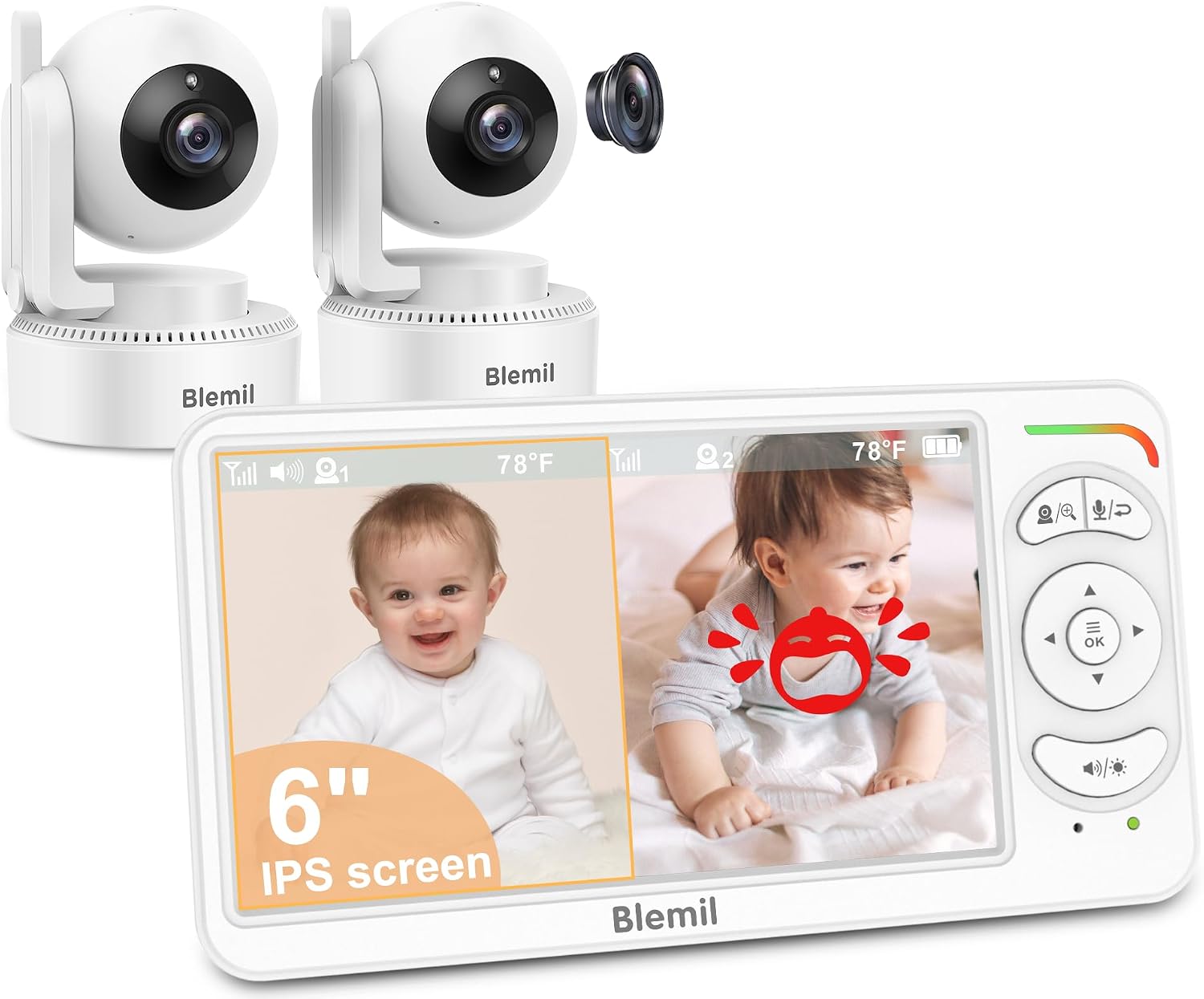
Blemil 6" Split Screen Video Baby Monitor with 2 Cameras, 4000mAh Battery
Closed loop by design. Its own screen, its own battery, no app, no account, no cloud, nothing on your network to leak.
It watches a room you are already in. No phone alerts while you are at work, no driveway coverage, no way to identify a stranger.
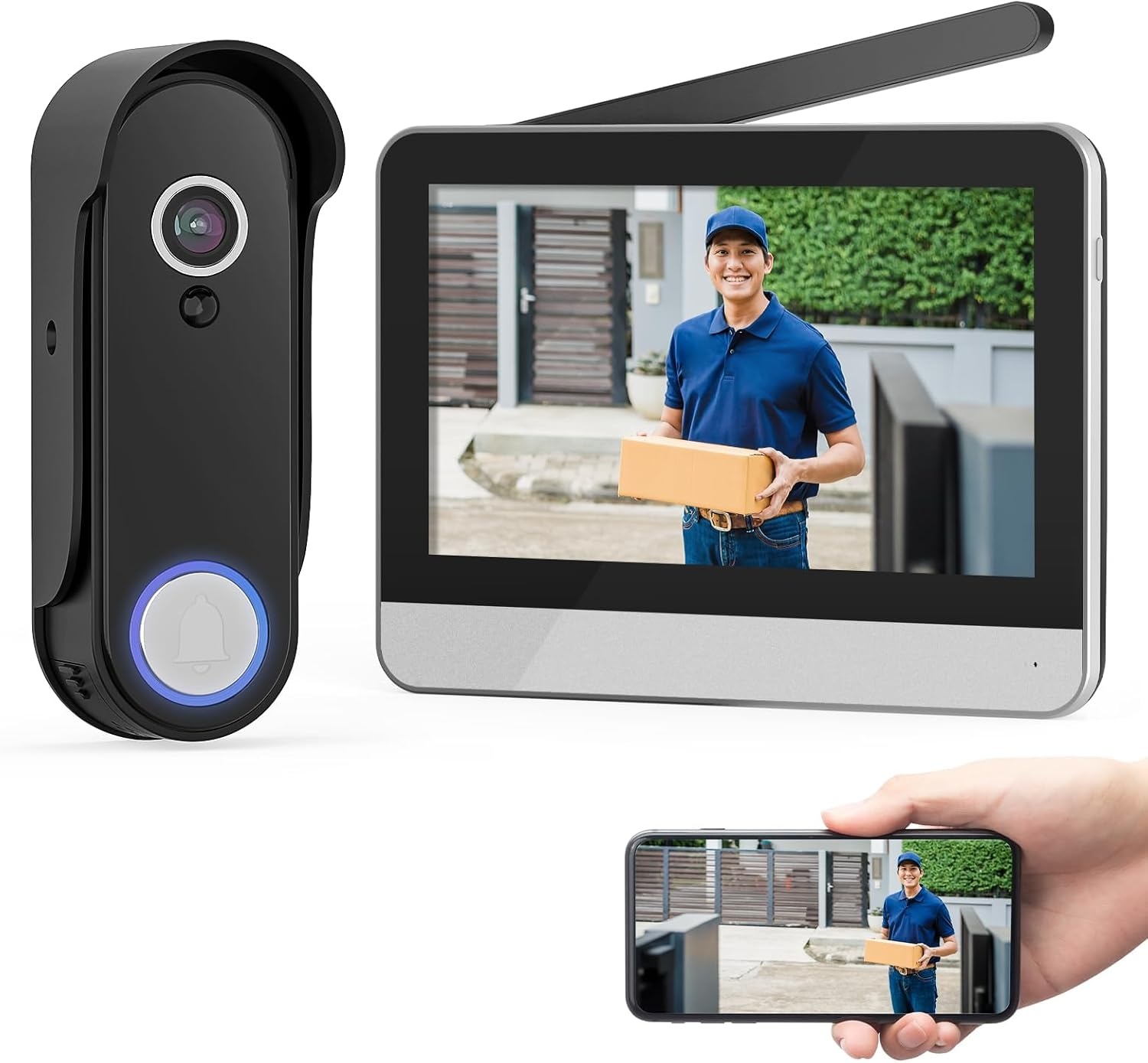
Wireless Smart Video Doorbell System, 7" Touchscreen Display, 1080P Video Doorbell Camera with Motion Detection, 2-Way Audio, Local Storage No Subscription
Front door coverage with local storage and no wiring, plus a screen inside the house instead of a phone in your pocket.
Covers one approach, not a property. A doorbell camera sees a face at conversation distance and a driveway at best.

4-Camera Kit with 1TB Hard Drive by eufy
Four cameras and a terabyte of storage that sits in your house. No subscription standing between you and your own clips.
You are running power and mounting four cameras. This is a weekend project, not a ten-minute one.
Prices and availability were captured from Amazon Creators API and may change.
How I test a camera before it earns a recommendation
Every camera that comes through my house goes on the garage and the back fence, and it stays there for a full week. I set targets at 10, 20, 30, and 50 feet and I walk them at night, in rain, and at the hour when someone would actually be in my yard. What I am measuring is night ID range, the distance at which a face is still a face and not a smudge with shoulders. Everything inside that range is evidence. Everything past it is decoration.
The second number I log is false alerts. A full week, every notification counted, raccoons included. A camera that pings me for a passing car, a spider web, or a shadow gets muted within a month, and a muted camera is a camera that does not exist. The third number is the three-year cost with the subscription included, because the hardware is the down payment and the plan is the price.
I do not own all four of the systems below, and I am not going to pretend I ran them through that bench. What I can do is tell you what each one is built to do, where the spec sheet stops being useful, and which question you need to answer before you spend money.
The Blink Outdoor 4 five-camera system: coverage everywhere, resolution last
The Blink name is doing a lot of work in one line: two-year battery, 1080p live view day and infrared night, two-way talk, five cameras. That is real coverage for a single purchase, and it is the least intimidating install in this comparison, because you are not fishing cable through a soffit four times.
Here is where I would slow down. 1080p is the lowest resolution in this group, and infrared night view is a different claim than night face ID. A camera can light up your whole yard in infrared and still blow out a face at 15 feet, which is the blurry raccoon effect that got my claim denied. The Blink spec tells you it can see in the dark. It does not tell you whether the person at your side door will be identifiable.
The other thing to price before you buy: clip storage and the useful parts of the app are where Blink's subscription question lives. If your plan is to check live view a few times a day and you accept a monthly fee, the five-camera bundle is a lot of eyeballs for the money. If your plan is to pull footage from last Tuesday without paying anyone, this is the wrong first choice.
The Blemil split screen baby monitor: the one system with no network
The Blemil is a different species and I want to be clear about that, because comparing it to a driveway camera is like comparing a thermometer to a smoke alarm. Two cameras, a 6-inch split screen, and a 4,000mAh battery. It talks to its own screen and to nothing else. No app, no account, no cloud, no device on your Wi-Fi that can be logged into.
For a nursery, that is the entire point, and it is the one place in this article where a camera with no internet connection is strictly better than a camera with one. If you want a screen on the nightstand and you do not want a stranger's server holding footage of your kid, this is the design you want.
What it cannot do is protect a property. A baby monitor watches a room you are already in. It will not push an alert to your phone while you are at a desk downtown, it will not cover a driveway, and its job is not to identify anyone. Also worth thinking about: the 6-inch split screen means two feeds sharing one panel, so each image is smaller than it would be alone. Fine for a crib. Useless for a face at the end of a walkway.
The wireless video doorbell system: the front door, solved
This one is the most interesting of the four for a renter or anyone who is not drilling holes. A 1080p doorbell camera, motion detection, two-way audio, and a 7-inch touchscreen display inside the house. No wiring, and local storage with no subscription, which is a combination I have spent years telling people does not exist at this price point.
The screen matters more than people expect. A phone notification is something you swipe away at dinner. A screen on the wall is something you glance at. For a lot of households, especially ones with someone home during the day, that is a better alerting system than a phone app, and it is the reason this kit makes sense as a first camera.
The trade-off is scope. A doorbell camera sees a face at conversation distance and a driveway at best. It covers one approach to one door. If the person who took my bikes had come to my front door, this system would have ended the story. He did not. He came around the side, which is why I own four cameras and not one.
The eufy 4-camera kit with 1TB hard drive: footage that lives in your house
Four cameras and a terabyte of storage in your own home. This is the system that matches how I think about security footage: it is not a service you rent, it is a record you keep. Nothing about last week's clips depends on a company's billing system, a plan tier, or a legal request aimed at a server you have never seen.
Four cameras also means you can cover the boring angles that actually matter, the side door, the back gate, the garage, the driveway, instead of one heroic camera pointed at the street. Break-ins are not cinematic. Mine happened at a side door I had never photographed.
The honest cost is labor. You are mounting four cameras and getting power to them, and that is a weekend, a ladder, and probably a friend. And you have to be the person who checks the drive, because nobody is going to email you when it fills up. If you will not do that, a subscription system you actually maintain beats a local system you ignore, and I say that as someone who argues the opposite ninety percent of the time.
The subscription math nobody prints on the box
Ask two questions before you buy anything in this article. First, if I stop paying, what still works? On a local system, the answer is everything: recording, playback, export. On a cloud-dependent system, the answer is usually live view only, which is the least useful part.
Second, where does the footage physically sit, and who else can reach it? A hard drive in your hallway and an SD card inside a doorbell are both in your house. A vendor's server is not, no matter how the marketing phrases it. I keep a cloud backup of my own garage footage because the robbery made me paranoid enough to break my own rule, but I know exactly what that means and I do not pretend otherwise.
Which one fits your house
If you want four angles covered, footage you own, and you will actually run the cable, the eufy kit is the pick. If you cannot run cable and you want eyes on five places by the weekend, the Blink bundle gets you there and the subscription is the price of that convenience. If your concern is one door and you want a screen instead of a phone, the wireless doorbell system with local storage is the cheapest way to stop guessing who knocked. And if your concern is a nursery, buy the Blemil and stop trying to make a security camera do a monitor's job.
None of these will identify a face at 30 feet if the installer pointed it at the wrong spot and never checked the footage at 2 AM. That is the test that decides whether you get a face or a raccoon. Set it up, walk out to the street in the dark, and look at what you captured. If you cannot tell it is you, neither can a detective.