The detective asked me for a face. What I handed him was twenty-two minutes of a blurry raccoon and a dark shape that never resolved into a person, recorded by a camera I had bought a week earlier off a deals email. No face, no case. Insurance watched the same clip, agreed it showed nothing they could use, and denied most of the claim.
That night is why this site exists, and why I mount cameras on my own garage and fence instead of trusting the box. When neighbors ask what to buy, the question underneath is almost always the same: do I need a home security camera kit with cameras around the property, or do I just need a video doorbell at the front? The honest answer is that those two products solve different problems, and most houses end up wanting both. But you have to start somewhere, and starting in the wrong place is how you end up with a camera that records everything except the thing that matters.
Related: Night Face ID: How Far a Camera Really Sees After Dark →
Quick answer
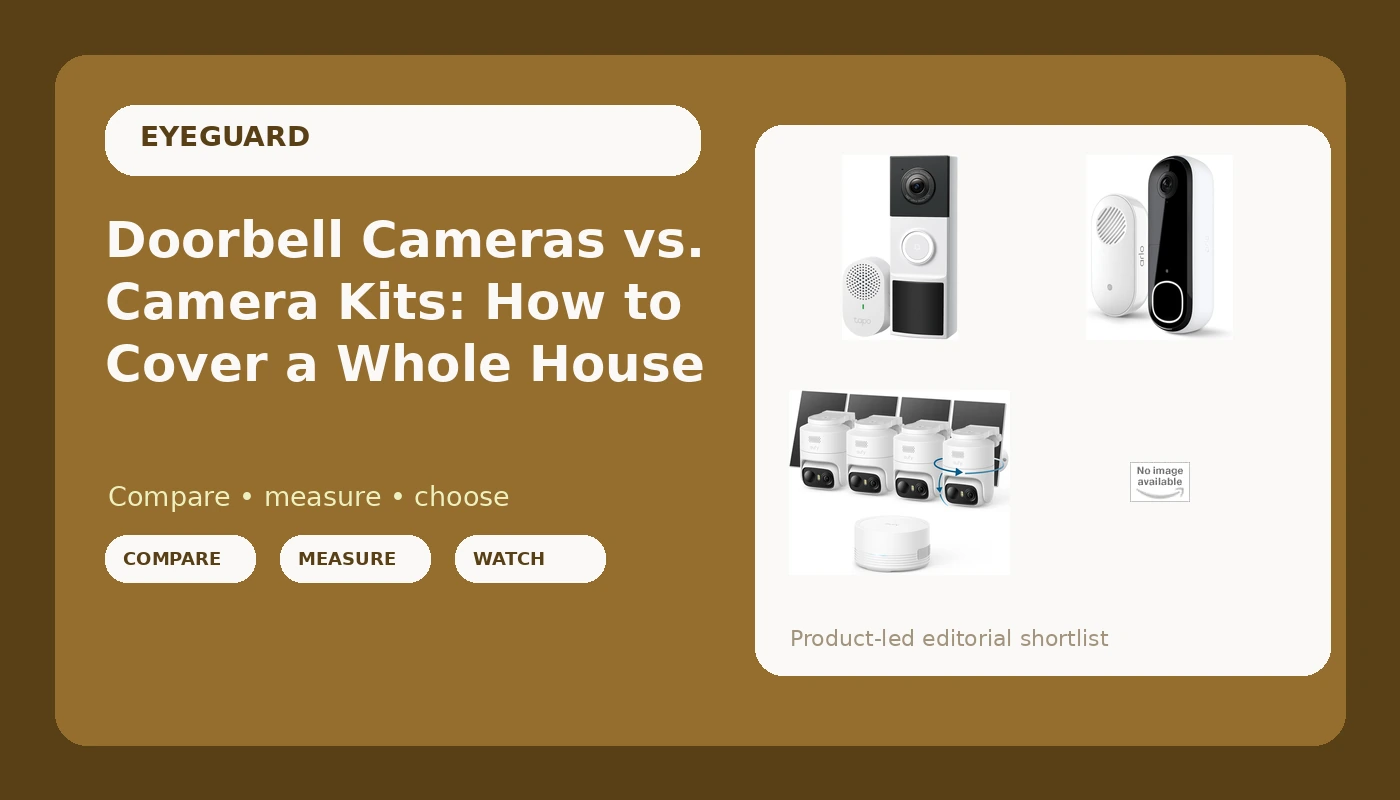
A video doorbell covers one approach path, the one at your front door, and it covers it from close range where a face fills a good part of the frame. A four-camera kit covers the yard, the driveway, the side gate, and the back door, which is where a lot of break-ins actually start. If you are buying one thing first, buy for the place you have already lost something from, or the place you would lose something from next. Doorbells cost less and go up in an afternoon; kits cost more and take a weekend of drilling and mounting. Both doorbells below are 2K models that ship with a chime, and both kits bundle four cameras, with one of them including a 1TB hard drive for recording in your own house.
4 useful options
| Model | Best fit | What stands out |
|---|---|---|
| eufy Security eufyCam C37 4-Cam Kit, 360° Pan&Tilt Auto Tracking | Covering several sides of a yard with cameras that can turn toward movement | Four cameras plus 360 degree pan and tilt with auto tracking |
| 4-Camera Kit with 1TB Hard Drive by eufy | Households that want footage recorded inside the house | Four cameras and a bundled 1TB hard drive |
| Tapo 2K Wireless Smart Video Doorbell w/Chime, 160° Ultra-Wide View, D210 | A first camera at the front door with no wiring to run | 2K resolution, 160 degree view, chime included |
| Arlo Video Doorbell 2K (2nd Gen) Wireless or Wired - 1-Cam + Chime | A front door where you can choose battery power or existing wiring | 2K resolution, wired or wireless install, chime included |
The auto-tracking kit: eufy Security eufyCam C37 4-Cam Kit, 360° Pan&Tilt Auto Tracking
Pan and tilt is the feature people get most excited about and the one that most often disappoints, so here is the trade-off in plain terms. A camera that moves is a camera that can look away. While it is swinging to follow someone walking down your driveway, it is not watching the gate on the other side of the yard. Fixed cameras are boring, but they are always pointed at the same thing. The version of this that works is pairing the tracking cameras with your highest-risk view and accepting that the rest of the property is covered by the other three units in the box.
The other thing four cameras means is four mounting jobs and four power routines. Before you buy any kit, walk the property at night and count the spots where you can actually reach power or a good Wi-Fi signal. A camera you cannot power is a camera still in the box, and a camera still in the box loses to a cheap one you mounted correctly.
The local-recording kit: 4-Camera Kit with 1TB Hard Drive by eufy
I am on record that local storage beats cloud trust, and I still mean it. Your footage should live in your house, where nobody else's legal request can quietly make it disappear and where a lapsed payment does not turn your archive into a blank screen. But local storage is not a magic wand, and anyone who tells you it is has not thought it through. A thief who takes the recorder takes the footage with it. A fire takes it too. That is why my own setup is local first with a small offsite copy, a rule I broke for myself the week after the garage was pried open.
Practical points before you commit to a hard-drive kit: drives fill up, so decide in advance how many days of footage you want to keep and let the system overwrite the oldest. Check where the recorder will physically sit, because it needs power and a network connection and it should not be sitting on a shelf in the same room as your front window.
The budget doorbell: Tapo 2K Wireless Smart Video Doorbell w/Chime, 160° Ultra-Wide View, D210
An ultra-wide view is genuinely useful at a doorstep, because the whole point is catching someone before they are close enough to knock. It also bends the edges of the frame, and a face at the far edge of a 160 degree lens is smaller and more distorted than a face dead center. That is not a reason to avoid it, it is a reason to point the camera so the path people actually walk runs across the middle of the frame rather than along the edge of it.
Wireless means battery, and battery means a charging routine you have to remember. It also means you can put the camera where the wiring does not reach, which is the whole reason people buy it. Before mounting, stand at the door with your phone and check the Wi-Fi signal at the exact spot, then test a walk-up at night. A doorbell that only works in daylight is a doorbell that misses the shift you actually care about.
The flexible doorbell: Arlo Video Doorbell 2K (2nd Gen) Wireless or Wired - 1-Cam + Chime
The wired-or-wireless choice matters more than it sounds. Wired means continuous power and no charging ladder, but it depends on the wiring you already have and on whether the existing transformer and chime play nicely with the new unit. Battery means you can mount it anywhere and move it later, at the cost of a recurring charging chore and the possibility that the camera is offline on the night you need it.
Arlo hardware is well built, and you pay for that. Where I get cautious is the ongoing cost. Arlo's useful features lean on a subscription, so the hardware is the down payment and the plan is the real price. Before you buy any doorbell, find the subscription tier that gives you the features you want, multiply it by thirty-six months, and compare that number to the hardware. If the total surprises you, that is the answer.
Prices and availability may change. Product images, names, and retailer links must be matched by verified ASIN. Do not state a current price, rating, stock status, or measured result without current evidence.
What a doorbell camera can and cannot do
A doorbell camera is the highest-value single camera most houses can buy, because the doorstep is where package theft, porch prowling, and most front-door break-in attempts happen. It also has a structural advantage: the subject is close to the lens, and close is where faces get large enough to identify. A face at three feet is evidence. A face at forty feet is a smudge with a hoodie.
What it cannot do is watch the rest of your property. A doorbell does not see the side gate, the driveway apron, the garage door, the back slider, or the fence line. In my own case, the camera that failed me was pointed at the garage, and a doorbell would not have changed that night at all. If your losses have come from the yard or the back of the house, a doorbell is the wrong first purchase.
Where the footage lives, and what it costs over three years
The subscription is the real price, and the hardware is the down payment. Run this before you buy anything:
- Write down where each camera records to: an SD card, a bundled hard drive, a base station, or a vendor cloud.
- Find the subscription tier that unlocks the features you actually want, such as person alerts or longer clip history, and price it for the number of cameras you plan to run.
- Multiply that monthly number by thirty-six and write the total next to the hardware cost.
- Check what still works if you stop paying, specifically whether local recording continues and whether you can export the clips you already have.
- Ask what happens if the recorder itself is stolen, and whether you have a second copy of anything important.
If step four comes back with "the footage on your own card is unplayable without a plan," that is not a camera, that is a rental with a lens.
Mounting and setup notes that change the result
- Put a doorbell at roughly chest height, not up near the header. Looking down at the top of a hat is how you get a clip with no face in it.
- Aim cameras so the approach path crosses the frame rather than running straight at the lens. Perpendicular movement reads better than a distant frontal blur.
- Tighten detection zones until the street and the sidewalk are excluded. False alerts are the reason people mute their own cameras, and a muted camera does not exist.
- Test Wi-Fi at the exact mounting spot before you drill, and remember that a metal garage door or a brick wall will eat signal you measured from the driveway.
- Do a night walk-through with a person at ten, twenty, and thirty feet, then watch the recorded file on a real screen instead of trusting the app thumbnail.
Which option should you choose?
Choose the eufy Security eufyCam C37 4-Cam Kit, 360° Pan&Tilt Auto Tracking when you need coverage on several sides of a yard and want cameras that can swing toward movement. Choose the 4-Camera Kit with 1TB Hard Drive by eufy when keeping footage inside your own house is the priority and you would rather manage a drive than a cloud plan. Choose the Tapo 2K Wireless Smart Video Doorbell w/Chime, 160° Ultra-Wide View, D210 when you want a first camera at the front door with no wiring work and a chime in the box. Choose the Arlo Video Doorbell 2K (2nd Gen) Wireless or Wired - 1-Cam + Chime when you want the option to wire it later without replacing the unit.
One caveat that applies to all four: the distinctions above come from the listed specifications and from how these categories behave in general, not from lab results on these exact units. Treat the bundled hardware as a starting point, then confirm current details, power requirements, and subscription terms on the product page before you commit.
The bottom line
Doorbells and camera kits are not competing answers to the same question. A doorbell protects the doorstep, which is where a lot of trouble starts and where faces are easiest to capture. A four-camera kit protects the property around the house, which is where a doorbell is blind. If you have to pick one first, pick based on where you have already lost something, and if you cannot answer that question, start with the doorbell and add cameras as you learn how your property actually gets approached. Whatever you install, run the three-year math first, point it where a person would actually walk, and test it at night before you trust it. The camera I bought from a deals email recorded twenty-two minutes of raccoon. The only difference between that camera and a useful one was where it pointed and when I checked it.