Two things go wrong with a home security camera, and only one of them is the camera itself. The first is a clip that never becomes a face: a dark shape crossing the driveway at 3 AM, a blurry raccoon, and a detective explaining, politely, that no face means no case. The second problem is quieter and it shows up months later, when you realize your home security camera storage lives in someone else's cloud, the plan renews at a price you never budgeted for, and the clip you actually needed has already aged out of the free tier.
This explainer is about both problems at once. Four setups are on the table here, and they are not four flavors of the same thing. One records to a drive inside your house. One trades wiring for batteries and leans on a subscription. One is a two-camera add-on. One is not an outdoor camera at all and should never be judged as one. What separates them is where the footage lives, what it costs over three years, and whether it can hand you something usable when the porch light is off.
Related: How to Aim an Outdoor Camera for a Night Face ID You Can Actually Hand Over →
Quick answer
Start with where you want the footage to live, then pick the hardware that gets it there. If you want recording on a drive in your own house with no monthly bill, the 4-Camera Kit with 1TB Hard Drive by eufy is the one to build around, because the 1TB drive comes in the box and the storage decision is already made. If you cannot run cable and want wide coverage from a single purchase, the Blink Outdoor 4 five-camera system covers the most ground out of one box, and you should price its plan before you buy rather than after. If you already record eufy footage locally and need two more angles, the eufy 2K Outdoor Security Camera (2 Pack) adds them. And if the room you are worried about is a nursery rather than a driveway, the eufy Security Video Baby Monitor 720P is built for indoors.
Four useful options
| Model | Best fit | What stands out |
|---|---|---|
| 4-Camera Kit with 1TB Hard Drive by eufy | A whole-perimeter setup that records locally | Four cameras plus a 1TB hard drive in the kit |
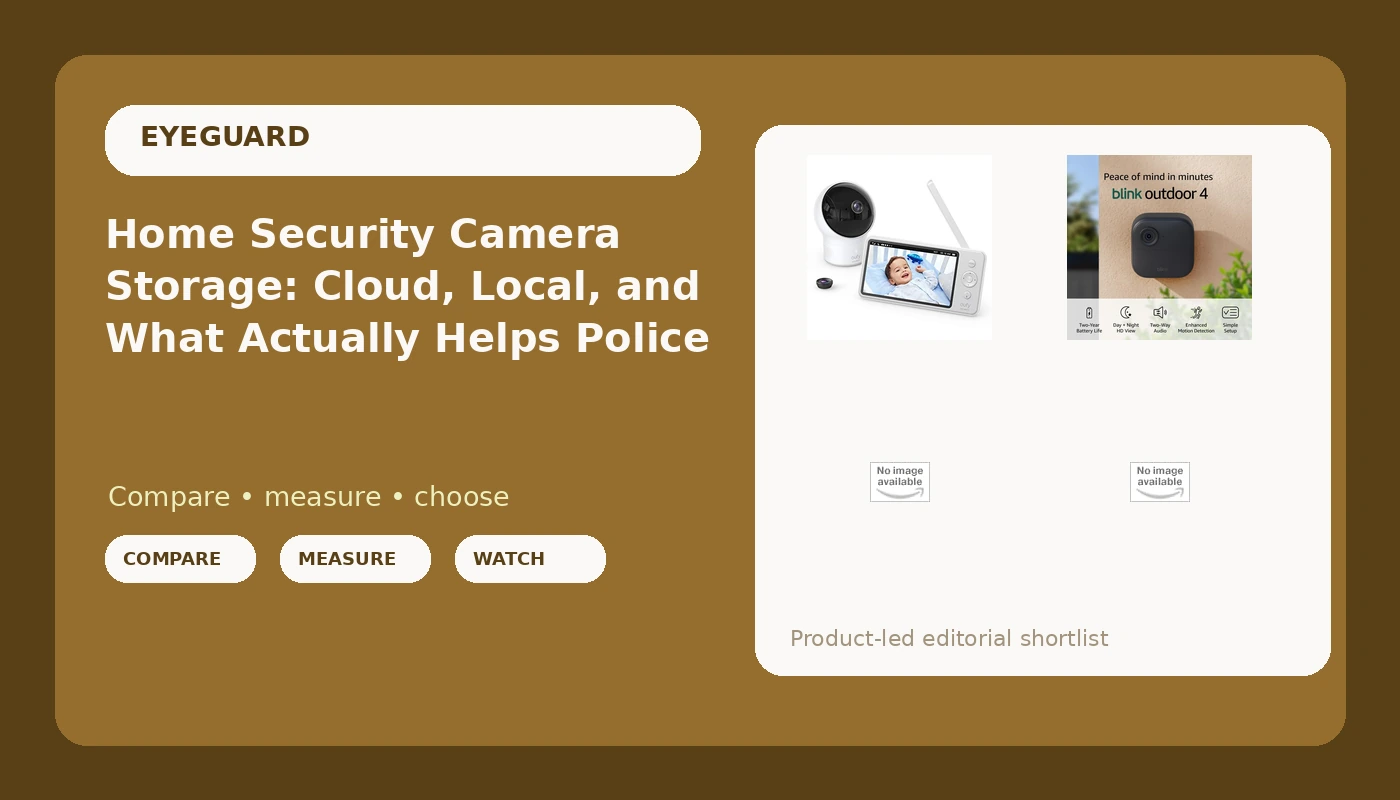
| Blink Outdoor 4 five-camera system | Renters and anyone who cannot run cable | Five wire-free cameras, two-year battery claim, 1080p day and infrared night live view, two-way talk |
| eufy 2K Outdoor Security Camera (2 Pack) | Adding two angles to an existing eufy setup | Two outdoor cameras at 2K resolution |
| eufy Security Video Baby Monitor 720P | Indoor, in-room monitoring | A dedicated 720p video monitor with its own screen |
The local-recording pick: 4-Camera Kit with 1TB Hard Drive by eufy
What makes this the starting point for most houses is not the camera count. It is the drive. A 1TB hard drive in the kit means the default answer to "where does the footage live" is a box inside your home, and the default answer to "what happens if I stop paying" is nothing, because there is no monthly line item to stop paying. That is the difference between owning a camera system and renting one.
The trade-off is commitment. Four cameras means four mounting decisions, and a kit like this pulls you into one app and one ecosystem rather than letting you mix brands corner by corner. Before you buy, check the power requirement for each camera in the kit and confirm where the recorder itself will sit, because a kit that needs an outlet at every corner is a very different Saturday than one that does not. Also confirm how much footage the drive holds at your chosen resolution and frame rate, since retention is the number that decides whether last week's clip still exists.
The wire-free coverage pick: Blink Outdoor 4
This is the option for the person who has looked at a drill and decided no. Five wireless cameras out of one box means you can cover a front approach, a driveway, a side gate, and a back door without hiring anyone or fishing cable through a wall. Battery power is what buys that freedom, and the two-year figure on the box is the claim to hold the product to, not a promise about your yard in a Seattle winter.
The trade-off is the plan. Wire-free systems in this class lean on a subscription for the clip history people actually want, so the honest way to compare this against the eufy kit is to write down the hardware price and the annual plan price side by side, then multiply the plan by three. Confirm what the free tier keeps, whether clips can be exported, and whether the system supports local storage through its sync module for your setup. A five-camera system with a plan you resent is worse than a four-camera system you own outright, and the only way to know which one you are buying is to read the plan terms before checkout.
The two-camera add-on: eufy 2K Outdoor Security Camera (2 Pack)
Every first install has a hole in it. The side alley nobody thinks about, the gate at the back, the corner where the trash bins block the sightline. This two-pack exists for that second pass, and 2K resolution is the reason to care: at 25 or 30 feet, the difference between 1080p and 2K is often the difference between a silhouette and a face.
The trade-off is that two cameras are not a system. If you do not already have a place for eufy footage to land, you are buying sensors without a recorder, so confirm what these cameras record to and whether that storage already exists in your setup before you add them. If it does, this is the cheapest way to close the gaps. If it does not, buy the kit first and treat this as the expansion it is meant to be.
The indoor pick: eufy Security Video Baby Monitor 720P
This one belongs in the article only because people keep comparing it to the others, and it is not the same category of product. A dedicated indoor video monitor is built for a room: short range, close subject, a screen you keep on a nightstand instead of an app you keep checking. At ten feet across a nursery, 720p is plenty. At forty feet across a driveway in the dark, it is not, and no amount of marketing will change that.
The trade-off is scope. This will not watch your garage, it will not identify a stranger at your fence line, and it should not be counted as one of your perimeter cameras. Buy it for the job it does, and buy the outdoor coverage separately.
Prices and availability may change. Product images, names, and retailer links must be matched by verified ASIN. Do not state a current price, rating, stock status, or measured result without current evidence.
What night ID range means, and why resolution is not the whole story
Night ID range is the distance at which a camera captures a face or a plate you could actually hand to the police. Everything inside that range is evidence. Everything past it is decoration, and the footage from past it is the reason detectives say "no face, no case."
Resolution matters here, but it is not the only variable. A 2K camera puts more pixels on a subject at distance than a 1080p camera, which helps, but infrared output, sensor size, lens quality, and compression all decide whether those pixels are worth anything after dark. The classic failure is IR washout: the camera blasts infrared to light up fifty feet, overexposes everything within fifteen, and hands you a white blob where a face should be. That is the blurry raccoon problem, and it is a lighting problem more than a megapixel problem.
Person detection is the other half of the story. Onboard AI that filters motion alerts down to actual humans is what keeps a camera useful, because a camera everyone mutes is a camera that does not exist. The catch is that person detection is often strongest in daylight and weakest at 2 AM, which is exactly when you need it. Test it in the dark, on your own property, before the return window closes.
Cloud plans versus local storage: the three-year math
The hardware is the down payment. The subscription is the price. Any camera that needs a plan to be useful should be compared on a three-year total, not a sticker, and the questions are the same every time: what happens when you stop paying, can you export a clip, how long does the free tier keep anything, and where does the footage physically live?
Local storage means an SD card or a hard drive inside your house. There is no monthly bill, nothing ages out because a plan lapsed, and no third party can quietly delete the clip you need. It is not free of trade-offs: drives fill up, drives can fail, and if someone takes the recorder they take the footage with it. That is why the answer is usually both, with local as the primary and a cloud copy as the backup you hope never to need.
Here is the order of operations that keeps you from buying the wrong camera:
- Measure the distance from where the camera will hang to the spot you actually care about, the door, the driveway, the gate. If it is past 20 feet, resolution and infrared quality move to the top of your list.
- Decide your subscription ceiling before you shop, write down the monthly number you would accept, then read the plan terms for anything you are considering against that number.
- Decide where footage lives: a drive in your house, a card in the camera, or a vendor's cloud. Write it down. That sentence is your answer to "who else can see this."
- Count your power options. An outlet at every corner points to a wired kit; nothing but battery space points to a wire-free system.
- Install one camera, run it for a week, and count the false alerts. If you would mute it, the detection zones need work before you buy camera number two.
Practical guidance: mounting and settings that decide whether footage is usable
- Aim at the approach, not the horizon. A camera pointed at the street records cars all night and faces almost never. Point it at the walkway, the door, or the driveway mouth where people actually slow down.
- Set detection zones tightly and accept the trade-off. Tight zones miss less than you fear and alert far less than you dread, and the alerts you keep are the ones you will still read in month three.
- Put one camera near face height at the main entry. A camera at nine feet gets the top of a hood; a camera at door height gets a face.
- Check export and download before you rely on anything. If you cannot pull a clip off the system and hand it to someone, you do not really have it.
- Run your own 3 AM test. Walk the path a stranger would walk, in the dark, and look at the footage the next morning. That single exercise tells you more than any spec sheet.
Which option should you choose?
Choose the 4-Camera Kit with 1TB Hard Drive by eufy when you want footage recorded to a drive in your own house, you are willing to mount four cameras, and you would rather not carry a monthly bill. Choose the Blink Outdoor 4 five-camera system when you cannot run cable, you want wide coverage from a single purchase, and you have priced the plan against three years of ownership. Choose the eufy 2K Outdoor Security Camera (2 Pack) when you already have somewhere for eufy footage to land and you need two more angles at 2K. Choose the eufy Security Video Baby Monitor 720P when the room you are watching is indoors and the job is a nursery, not a perimeter.
One caveat worth stating plainly: nothing in this article assigns a night ID distance to any of these cameras, because that number depends on your yard, your mounting height, your ambient light, and how the camera handles infrared at close range. Treat the specs as a starting point, verify plan terms and power requirements on the product page before you buy, and let your own driveway be the final test.
The bottom line
The camera is the easy part. The hard part is deciding where the footage lives and what you are willing to pay every month to keep it, and that decision should come first, because it eliminates half the market before you ever compare a spec sheet. A local-recording kit gives you ownership and a retention limit you control. A wire-free system gives you coverage you will actually install. A two-pack fills the gaps your first install left. An indoor monitor does an indoor job and should be bought for that reason alone. Get the storage question right, mount the thing correctly, and you will never have to hand a detective a video of a raccoon.